
Ultimate Gaming Desk Setup Guide 2026
March 23, 2026
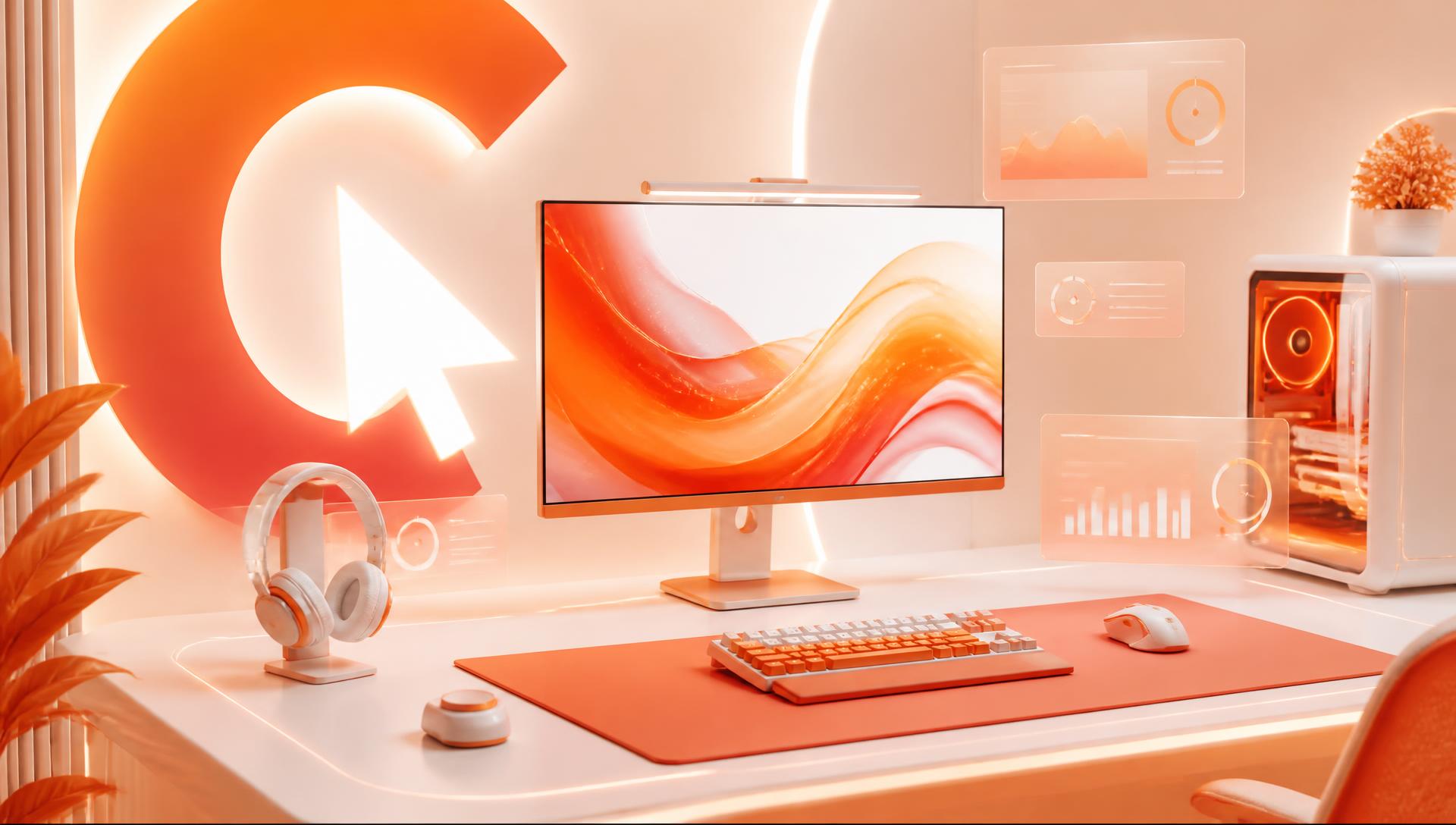
A gaming desk setup guide should start with ergonomics, not gear — because the same monitor and chair perform completely differently depending on desk depth, eye-line, and cable layout. This is a practical build order: what to get right first, what to layer on next, and how a deskmat ties the whole visible setup together.
Start with desk size and depth
Desk depth decides almost everything downstream: how far back your monitor sits, how much free-swing room your mouse has, and what size deskmat actually fits. A desk under 60cm deep forces monitors closer than ideal viewing distance and leaves little room for a full-size mat. 70-80cm deep is the practical sweet spot for a single ultrawide or dual-monitor setup with room left for keyboard, mouse swing, and a deskmat underneath both.
Width matters too — measure it before buying a deskmat rather than after. As a rule of thumb: under 100cm desk width fits an XL mat, 100-120cm fits XXL, and 120cm+ has room for XXXL. See the full size breakdown if your desk falls near a boundary.
Monitor arm and eye-line ergonomics
The top of your monitor should sit at or slightly below eye level when you're sitting upright, with the screen roughly an arm's length away (50-70cm for most monitor sizes). A fixed stand rarely gets this right because desk height and monitor size vary — a monitor arm lets you set the exact height and depth once, and frees up desk surface underneath for your deskmat and peripherals instead of a bulky stand base.
If you run dual monitors or an ultrawide, angle side monitors slightly inward toward your primary sightline so you're not twisting your neck to check them.
Chair height and elbow angle
Set chair height so your elbows sit at roughly a 90-100 degree angle when your hands are on the keyboard, with forearms close to parallel to the desk. If your feet don't rest flat on the floor at that height, add a footrest rather than lowering the chair and forcing your wrists to bend upward at the keyboard.
Desk height should follow from chair height, not the other way around — a fixed-height desk forces a compromise here, which is the main practical argument for a sit-stand desk if you're building from scratch.
Lighting: bias lighting and color temperature
A bright monitor against a dark room causes eye strain over long sessions because your pupils are constantly adjusting between the bright screen and the dark surroundings. Bias lighting — a soft light strip behind the monitor — fills in that contrast gap without adding glare on the screen itself.
Color temperature matters for both comfort and camera appearance: cooler light (5000-6500K) reads as more energetic and works well for daytime gaming or streaming, while warmer light (2700-3500K) is easier on the eyes for long evening sessions. Avoid pointing any light source directly at the screen, which causes glare regardless of temperature.
Audio setup
Desk speakers or a headset both work — the choice is about noise environment more than performance. Headsets isolate audio for shared spaces and voice chat with less bleed into a microphone. Desk speakers give a wider soundstage for single-player games and don't clamp on your head for multi-hour sessions. If you're on voice calls or streaming, a dedicated microphone (boom-arm mounted, not built into a headset) makes a noticeably bigger difference to how you sound than most other audio upgrades.
Cable management
Cable clutter is both a visual problem and a practical one — dangling cables catch on chair wheels, block mouse swing, and make the whole setup look unfinished on camera. A workable order:
- Route power cables along the back or underside of the desk using clips or a cable tray, kept separate from data cables to reduce interference.
- Group peripheral cables (keyboard, mouse, headset) and run them to a single point, ideally behind or beside the monitor rather than across the desk surface.
- Use a monitor arm with built-in cable channels if available — it hides the display cable run almost entirely.
- Keep the desk surface itself cable-free; anything crossing under your keyboard or mouse zone should be tucked under the deskmat or routed around it, not over it.
Mouse and keyboard placement, free-swing space
If you aim from the elbow, the pad has to be wide enough that a full flick never runs off the edge — the width math is in the mousepad size guide, and low-sensitivity players should also read the best mousepad size for low DPI gaming. Pad thickness changes how the desk feels under your wrist; the 3mm vs 4mm vs 5mm thickness guide covers the trade-offs, and stitched vs unstitched edges explains which edge survives daily forearm contact.
Keyboard and mouse should sit close enough together that reaching for the mouse doesn't require shoulder rotation — ideally with the mouse right at the edge of the keyboard, not several inches away. Free-swing space matters more for low-sensitivity gaming: a full 360-degree swipe at low DPI needs significantly more surface area than most compact mousepads provide, which is one of the practical reasons gaming setups tend toward XXL or XXXL deskmats rather than a small dedicated mousepad plus bare desk.
The deskmat as the visual anchor
Once the ergonomics are set, the deskmat is the one component that ties the whole visible setup together on camera and in person. It's the largest single surface color or design choice on the desk, it's what shows in every stream overlay or setup photo, and unlike a case or keyboard, it's simple to change without touching any hardware. A deskmat sized to the full desk width — rather than a compact mousepad next to bare desk — also reads as a single deliberate surface instead of a collection of mismatched parts, which is why most "clean setup" builds use one.
Build-order checklist by budget tier
| Priority | Entry tier | Mid tier | High tier |
|---|---|---|---|
| 1. Desk | Fixed-height desk, correct depth | Larger fixed desk or basic sit-stand | Full sit-stand desk sized for dual monitor |
| 2. Chair | Adjustable-height chair | Chair with lumbar and armrest adjustment | Chair matched to sitting posture, footrest if needed |
| 3. Monitor position | Adjustable stand or basic monitor arm | Full-motion monitor arm | Dual/ultrawide arm setup with cable channel |
| 4. Deskmat | XL or XXL, single design | XXL custom design matched to setup theme | XXXL custom design covering full desk width |
| 5. Lighting | Single bias light strip | Bias lighting + adjustable desk lamp | Full ambient lighting with adjustable color temperature |
| 6. Audio | Existing headset | Dedicated desk mic or upgraded headset | Desk speakers + boom mic combo |
| 7. Cable management | Basic clips and ties | Cable tray + channel routing | Fully integrated routing through desk and arm |
Work down the list in order rather than jumping to the most visually exciting item first — a great deskmat under a monitor sitting at the wrong height doesn't fix the setup's actual comfort problems, but the reverse (correct ergonomics with a plain desk) is a fully functional setup that just looks unfinished until the deskmat goes on.
Gaming setup comparison: what actually changes performance vs. appearance
| Component | Affects performance | Affects appearance |
|---|---|---|
| Monitor height/arm | Yes — neck strain, eye strain | Yes |
| Chair and desk height | Yes — comfort, fatigue over long sessions | Minimal |
| Deskmat | Indirect — surface consistency for low-DPI swipes | Yes — the main visual anchor |
| Lighting | Yes — eye strain reduction | Yes — significant on camera |
| Cable management | Indirect — safety, mouse swing clearance | Yes |
| Audio | Yes — in-game awareness, voice clarity | Minimal |
Related reading
- Anime Desk Setup Ideas: 12 Directions That Work
- Desk Mat for a Mechanical Keyboard: What Actually Changes
- Glass vs Cloth Mousepad: The Real Differences
FAQ
What's the correct monitor height for a gaming desk setup?
The top of the screen should sit at or slightly below eye level when sitting upright, with the screen about an arm's length away. A monitor arm makes this adjustable rather than fixed, which matters because the right height depends on your chair, desk, and monitor size together.
What size deskmat is best for a gaming setup?
XXL (900×400mm) suits most standard gaming desks with a single monitor, while XXXL (1200×600mm) fits ultrawide or dual-monitor setups needing more width. Low-sensitivity players benefit most from the larger sizes because they need more physical swipe room.
How do I manage cables on a gaming desk?
Route power and data cables separately along the back of the desk, group peripheral cables to one exit point, use a monitor arm with a cable channel if possible, and keep the desk surface itself clear so cables aren't crossing under the keyboard or mouse.
Does bias lighting actually help with gaming?
Yes — it reduces eye strain during long sessions by softening the contrast between a bright screen and a dark room, without adding glare directly on the display. It's a low-cost addition that also improves how the setup looks on camera.
How much should I budget across a gaming desk setup build?
There's no fixed number, but the build order matters more than the budget: prioritize desk depth, chair and monitor ergonomics first, then lighting and a deskmat, then audio. A well-ergonomic setup on a lower budget outperforms an expensive but poorly positioned one.
What deskmat size fits a desk under 100cm wide?
XL (800×300mm) is the right fit for narrower desks — it covers the keyboard and mouse zone without overhanging the edges the way a wider mat would on a compact desk.
Design your own
A gaming setup comes together once the ergonomics are right and the deskmat pulls the whole desk into one visual theme. The CursorCulture studio lets you design a deskmat sized to your exact desk and gaming style, and pricing covers the full range from XL to XXXL.
Keep going
Like this? Get the next one in your inbox.
New journal posts, prompt packs, and artist drops. No spam, ever.