
Deskmat Size Guide: XL vs XXL vs XXXL
July 3, 2026
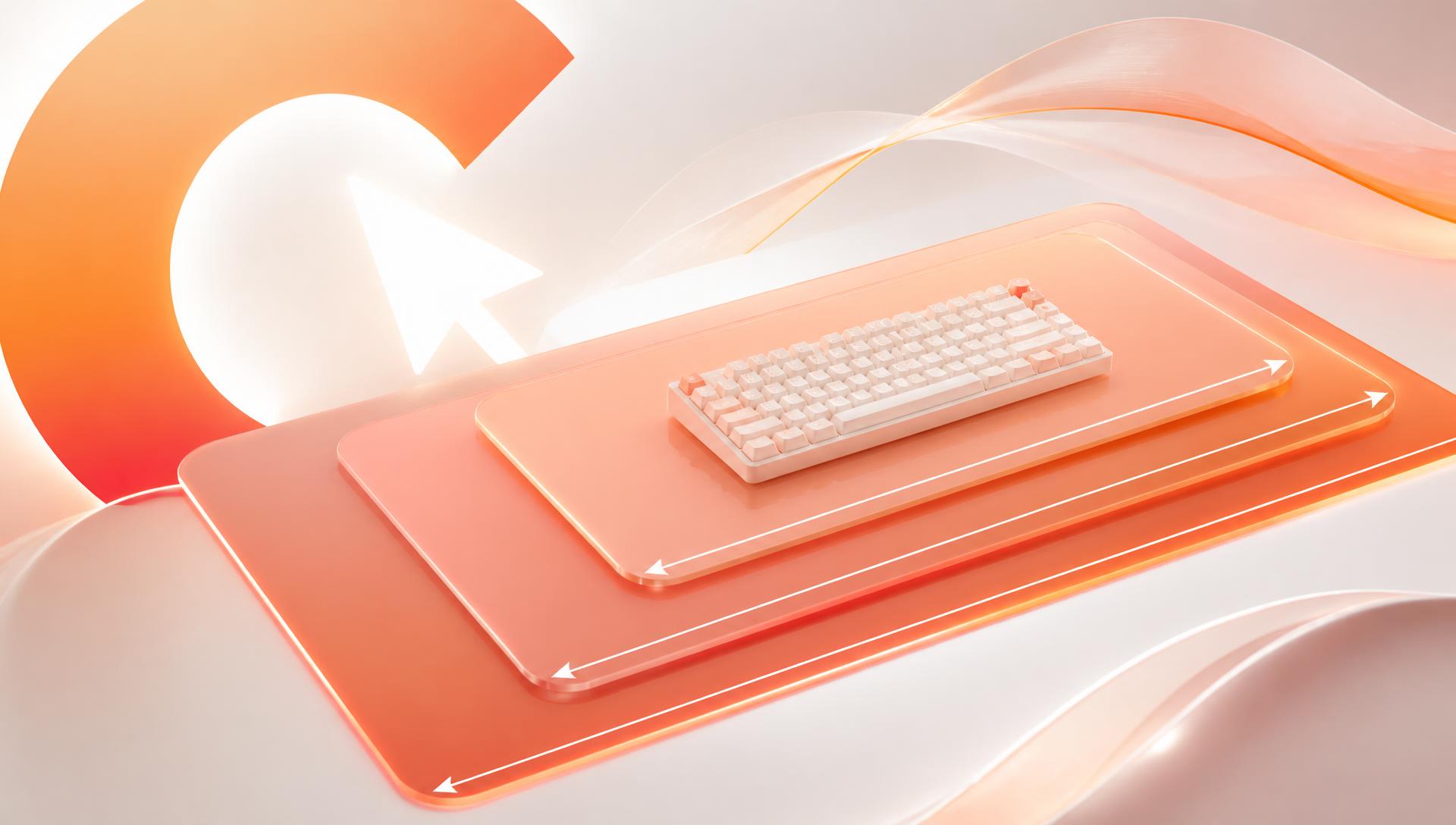
The right deskmat size comes down to two measurements — your desk depth and your keyboard-plus-mouse footprint — not which size looks biggest in a product photo. This guide walks through XL, XXL, and XXXL deskmats specifically, how to measure your own desk before you buy, and how to decide without guessing.
If you want the general mousepad size comparison first, see our mousepad size guide — this article goes deeper specifically on full-desk coverage and how to measure your own setup.
The three sizes, side by side
CursorCulture makes deskmats in three sizes, all 4mm thick with stitched edges:
| Size | Dimensions (mm) | Dimensions (inches) | What it covers |
|---|---|---|---|
| XL | 800 × 300 | 31.5 × 11.8 | Keyboard and mouse zone only |
| XXL | 900 × 400 | 35.4 × 15.7 | Full keyboard plus a wide mouse zone |
| XXXL | 1200 × 600 | 47.2 × 23.6 | Most or all of a standard desk surface |
XXL is the size most people land on — it's wide enough to fit a full-size keyboard and leave real mouse room without needing a desk deeper than average. XXXL is the pick when you specifically want the whole desk surface, not just the typing-and-mousing area, to be one continuous printed design.
Measure your desk before you pick a size
Two measurements matter, and neither is "how big is my desk" in the abstract.
1. Desk depth (front to back)
This is the single biggest constraint. Stand a tape measure from the front edge of your desk to the wall or back edge.
- 50cm or less → XL fits with room to spare. XXL will likely hang over the back or front edge.
- 60–70cm → XXL fits comfortably, which is why it's the most common desk depth match.
- 75cm+ → XXXL can lie flat with margin on both sides, and you get genuine full-desk coverage.
If your desk is shallower than the mat's depth, the mat won't damage anything, but it will hang off the edge, curl at the overhang, and feel wrong under your palm exactly where you rest your wrist. Match depth first, everything else second.
2. Desk width and monitor placement
Measure from where your monitor arm or stand sits to the point where you want the mat's front edge. You want at least 5cm of clearance around the mat's edges for cable routing, a wrist rest, or just visual breathing room — a mat cut exactly to your desk's outer dimensions looks cramped once a monitor arm base or cable channel eats into it.
Keyboard and mouse footprint math
Before sizing up, lay out what actually needs to sit on the mat:
- Full-size keyboard: roughly 44cm wide.
- TKL (tenkeyless) keyboard: roughly 36cm wide.
- 60%/65% keyboard: roughly 30cm wide or less.
Add your mouse zone to that. A mouse zone isn't just "space for the mouse" — it's the width your hand needs to move through a full swipe at your sensitivity, plus buffer so you're not chasing the edge mid-flick.
- Full-size keyboard + wide mouse zone → XXL width (900mm) fits both without crowding.
- TKL or smaller keyboard + moderate mouse zone → XL width (800mm) is often enough.
- Full-size keyboard + a webcam stand, dock, wireless charger, or notepad also living on the desk → XXXL gives you room for all of it as one surface instead of juggling multiple pads.
Low sensitivity vs high sensitivity
If you play at high in-game sensitivity, your mouse travels a short distance for a full turn, and pad width beyond your keyboard footprint is mostly aesthetic — XL or XXL both work fine.
If you play at low sensitivity, mouse travel distance becomes a real constraint, not a preference. Our dedicated breakdown on choosing a mousepad size for low-DPI gaming covers the cm/360° math in detail, but as a quick reference:
- 400 DPI with a low in-game sensitivity commonly needs 35cm or more of horizontal mouse travel for a full 180° turn.
- XL gives roughly 50cm of usable mouse zone once you subtract keyboard space; XXL gives roughly 60cm.
- Both comfortably cover typical low-DPI setups. XXXL is only necessary at the extreme low end of sensitivity, or if you specifically want the extra desk real estate for other reasons.
Desk depth constraints you might be missing
A few things people forget to check before ordering a deskmat:
- Monitor arm clamps and grommet mounts eat into usable desk depth at the back edge — measure from where the mat would actually start, not the raw desk edge.
- Desk drawers or a keyboard tray underneath can mean the desk surface itself is shallower in practice than the desk's outer frame suggests.
- Standing desks with a curved or non-rectangular front edge can make a rectangular mat sit slightly proud at the corners — not a dealbreaker, just worth knowing before you order.
Shipping and creases: what to expect
Deskmats ship rolled, not folded — folding a cloth-top, rubber-backed mat creases the cloth and can crack the rubber base along the fold line permanently, so rolling is standard for every size. A larger mat means a larger roll, and a bigger roll takes a little longer to relax flat once it's out of the packaging.
- XL and XXL typically lie flat within a few hours of unrolling.
- XXXL, being the largest roll, can take closer to a full day to settle completely flat. Weighting the edges lightly (books, or just letting your keyboard and mouse sit on it) speeds this up.
This is normal and not a sign of a defect — it's a function of how far the roll has to relax, not the pad's quality.
Decision flow
Use this if you want a fast answer:
- Measure your desk depth. Under 55cm → XL. 60–70cm → XXL. 75cm+ → XXXL is viable.
- Check your keyboard size. Full-size keyboard pushes you toward XXL or XXXL width; TKL or smaller keeps XL on the table.
- Check your sensitivity. Low sensitivity → lean toward XXL for the extra mouse-zone width. High sensitivity → size is more about look and desk coverage than function.
- Decide if you want full-desk coverage or just the keyboard-and-mouse zone. If you want the whole desk as one printed surface — including space for a dock, charger, or stand — go XXXL. If you just want a clean, framed play area, XXL is the standard pick.
- When in doubt, XXL. It's the size that fits the widest range of desks and keyboard sizes without requiring you to re-measure your whole setup.
Common size mistakes to avoid
- Buying XXXL for a desk under 70cm deep. It will overhang and never sit flat correctly against a wall or monitor arm base.
- Buying XL with a full-size keyboard and expecting a "framed" look. The keyboard will sit partially off the mat, which is fine functionally but breaks the visual effect a custom design is usually bought for.
- Ignoring monitor arm or grommet clearance. Measure where the mat will actually sit, not the desk's raw outer dimensions.
- Assuming bigger is always better for gaming. Beyond your actual mouse-zone requirement at your sensitivity, extra size is aesthetic, not performance — a well-measured XXL can outperform a poorly-fitted XXXL simply by lying flat and staying put.
Designing for a specific size
Once you know your size, the design itself changes slightly with the canvas:
- XL — narrower canvas rewards a centered subject or portrait-oriented character art, since there's less width to fill with background.
- XXL — the most common canvas for landscape scenes, wide character line-ups, or a design that reads clearly both up close and on camera if you stream.
- XXXL — enough width for a genuine panoramic scene, or a design split so a character sits near the mouse zone while a background scene extends across the keyboard area.
Our ultimate guide to AI custom mousepads covers how resolution and composition change across these sizes if you want the full technical picture before you start designing.
Related reading
FAQ
What size deskmat do I need?
Start by measuring your desk depth front to back, then match it against the size table above — under 55cm suits XL, 60–70cm suits XXL, and 75cm or deeper can take XXXL. Then check that your keyboard and mouse zone actually fit within that width.
What's the difference between XL, XXL, and XXXL deskmats?
XL (800×300mm) covers a keyboard and mouse zone only, XXL (900×400mm) covers a full keyboard plus a wide mouse area, and XXXL (1200×600mm) covers most or all of a standard desk surface. All three are 4mm thick with stitched edges.
What's the best deskmat size for gaming?
XXL is the most common choice for gaming because it fits a full-size or TKL keyboard alongside a mouse zone wide enough for most sensitivities. Low-sensitivity players who need more horizontal travel may prefer XXL over XL specifically for the extra mouse-zone width.
What deskmat size works for a 27 inch monitor?
Monitor size doesn't directly determine deskmat size — desk depth and keyboard width matter more. A 27-inch monitor typically sits on a standard desk depth of 60–70cm, which comfortably fits an XXL deskmat.
Can a deskmat be too big for my desk?
Yes. If the mat is deeper than your desk, it will hang off the front or back edge and curl at the overhang instead of lying flat. Always measure your desk depth before choosing XXXL.
How long does it take a deskmat to lie flat after shipping?
Deskmats ship rolled to protect the cloth and rubber layers. XL and XXL typically flatten within a few hours; XXXL, being the largest roll, can take closer to a full day to fully settle.
Is a bigger deskmat always better?
No. Beyond what your keyboard, mouse zone, and sensitivity actually require, extra size is mostly aesthetic. A correctly sized XXL that lies flat and fits your desk will outperform an oversized XXXL that overhangs or curls at the edges.
Once you know the size that fits your desk, you can build the actual design around it in the AI studio — pick your dimensions, generate the artwork, and check the pricing page for what each size costs before you order.
Keep going
Like this? Get the next one in your inbox.
New journal posts, prompt packs, and artist drops. No spam, ever.