
Mouse Skates and Glide Explained: PTFE vs UHMW-PE
August 12, 2026
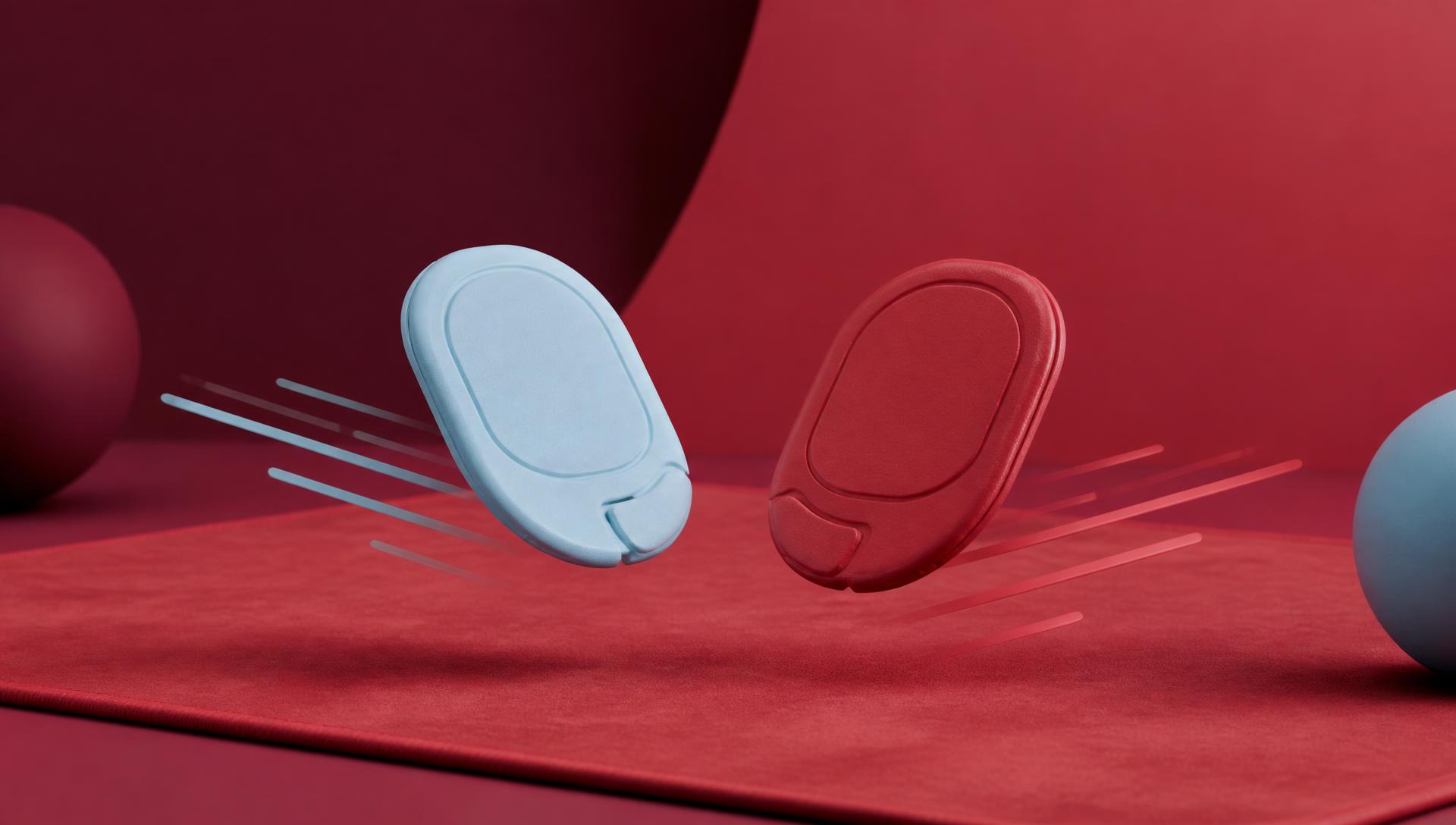
Mouse skates — often called mouse feet — are the small pads on the underside of your mouse that actually touch the pad, and they're the single biggest factor in how a mouse feels moving across a surface. Material (PTFE vs UHMW-PE), shape (dot vs full-coverage), and wear state matter more than most people realize, and they change how any given mousepad feels far more than the pad alone does.
What mouse skates actually do
Your mouse's sensor reads movement; the skates are what determine how much force it takes to start, sustain, and stop that movement. Every mouse ships with skates already attached, and every gliding sensation you associate with a specific mouse or pad is really the product of the skate-pad interface, not either surface alone. A worn skate on a great pad will feel worse than a fresh skate on an average one.
PTFE vs UHMW-PE: the material difference
PTFE (polytetrafluoroethylene), the material in most stock and aftermarket skates, has one of the lowest coefficients of friction of any solid plastic. It glides very smoothly from the first use, feels consistent, and is the default choice for players who want predictable glide without a break-in period. Its downside is that it's relatively soft as plastics go, so it wears down faster under repeated abrasive contact, especially on harder pad surfaces or glass.
UHMW-PE (ultra-high-molecular-weight polyethylene) is denser and more abrasion-resistant than PTFE, which means it lasts longer under the same use, but it typically starts out with a slightly higher static friction and needs a short break-in period — the first few sessions can feel marginally "stickier" or less smooth until the surface polishes down through use. Once broken in, UHMW-PE holds a good glide feel for a longer service life than PTFE.
Neither is universally "better" — PTFE prioritizes immediate glide, UHMW-PE prioritizes longevity, and the right choice partly depends on which pad surface you're pairing it with.
Break-in period
New skates of either material have microscopic manufacturing texture that hasn't been polished down by use yet. PTFE needs less break-in because its surface is already so low-friction that the initial texture barely matters. UHMW-PE benefits from 5-10 hours of active use before it reaches its smoothest state, as repeated light abrasion against the pad's weave polishes the contact surface. If a new UHMW-PE skate feels rough at first, that's expected — it's not a defect.
When to replace mouse skates
Watch for these signs rather than replacing on a fixed schedule:
- Dragging or catching — the mouse no longer glides smoothly and you feel resistance at the start of a movement.
- Visible wear grooves — skates develop flat spots or grooves where contact is heaviest, usually at the front and back edges.
- Rounded or chipped edges — skate edges should stay relatively crisp; rounding increases surface contact and friction.
- Audible scratching — a faint scraping sound during movement that wasn't there before usually means debris is embedded in worn skate material.
- Inconsistent glide across the pad — if one area of your desk feels different from another and the pad itself is flat and clean, worn skates are the more likely cause than the pad.
Heavy daily use can wear through PTFE skates in a few months; UHMW-PE typically lasts noticeably longer under the same conditions, though both depend heavily on pad surface and cleanliness.
Why is my mouse dragging?
Dragging usually comes from one of three causes, and it's worth ruling them out in order: worn or damaged skates (the most common cause), a dirty pad surface with embedded dust or skin oil reducing the intended texture, or a pad that has developed uneven flatness — see how to flatten a new mousepad if a curl or ripple is the real culprit. Clean the pad first (our cleaning guide covers safe methods), then inspect the skates before assuming the pad itself is the problem.
How pad surface interacts with skate material
This is the part most guides skip. The same skate feels different depending on what it's dragging across:
- Smooth "speed" weave cloth minimizes friction and lets skate material glide with minimal resistance — good pairing for PTFE if you want maximum glide.
- Coarser "control" weave cloth increases friction regardless of skate material, which is why control pads feel "grippy" even with fresh, low-friction skates.
- Hard surfaces (glass, some hard plastics) wear PTFE and UHMW-PE faster than cloth because there's no give in the surface to distribute contact pressure — see our glass vs cloth comparison for the full picture.
- New cloth pads can feel unexpectedly grippy in the first sessions before the weave's surface fibers settle, which compounds with a skate's own break-in period.
If you swap pads and a mouse suddenly feels wrong, check whether it's actually the pad or whether your skates were tuned (worn in a specific way) to your old surface.
Dot skates vs full skates
Dot skates are small circular or oval pads placed at the corners/edges of the mouse shell, leaving most of the underside surface untouched. They reduce total contact area, which lowers friction and can increase glide speed, but they also concentrate pressure into smaller zones, which can mean faster localized wear and a slightly less stable, more "tippy" feel on soft cloth surfaces.
Full skates (or larger multi-piece skate kits covering more of the shell) spread contact over a larger area, which distributes wear more evenly and can feel more planted, at some cost to peak glide speed since more surface area means more total friction.
Competitive players often move to aftermarket dot or hybrid skate kits specifically to fine-tune this tradeoff rather than accepting whatever ships stock with the mouse.
Installing replacement skates
- Peel off the old skates fully — don't leave adhesive residue.
- Clean the mouse underside with isopropyl alcohol and let it dry completely; any oil or dust will weaken the new adhesive.
- Align the replacement skates using the mouse's original mounting shape as a guide — most kits are cut to match specific mouse models.
- Press firmly along the entire skate for 30-60 seconds so the adhesive bonds evenly, especially at the edges.
- Leave the mouse unused for a few hours (ideally overnight) before heavy use so the adhesive fully sets.
- Expect a short break-in period, especially with UHMW-PE, before glide feels fully settled.
How skate choice changes the feel of a cloth pad
A cloth deskmat isn't one fixed feel — the same pad can feel noticeably "faster" or "slower" depending purely on what skates you put under the mouse. If you own a cloth pad and want more glide without buying a new pad, fresh PTFE skates are the cheapest lever you have. If you want a control pad to feel a bit smoother without losing its stopping power, well broken-in UHMW-PE splits the difference better than PTFE does. This is also why two people can disagree completely about how "fast" or "slow" the exact same pad feels — they're usually running different skate setups.
Comparison table
| Factor | PTFE | UHMW-PE |
|---|---|---|
| Initial friction | Very low from first use | Slightly higher, smooths with use |
| Break-in time | Minimal | 5-10 hours typical |
| Wear resistance | Lower — wears faster | Higher — lasts longer |
| Best paired with | Smooth cloth or when max glide matters | Any surface where longevity matters |
| Feel over time | Consistent, gradually degrades | Improves initially, then stable |
FAQ
What's the difference between PTFE and UHMW-PE mouse feet?
PTFE has lower initial friction and glides immediately but wears faster. UHMW-PE is more abrasion-resistant and lasts longer, but needs a short break-in period before it reaches its smoothest feel.
How do I know when to replace mouse skates?
Look for dragging, visible wear grooves, rounded edges, audible scratching, or inconsistent glide across a pad you know is clean and flat. There's no fixed schedule — it depends on surface and usage.
Why is my mouse dragging on my mousepad?
Usually worn skates, a dirty pad surface, or an uneven/curled pad. Clean the surface first, then inspect the skates before assuming the pad is at fault.
Should I upgrade to aftermarket mouse skates?
If your stock skates are worn or you want to fine-tune glide feel, yes — aftermarket PTFE or UHMW-PE kits, or dot vs full-coverage shapes, let you tune feel independently of buying a new pad.
What's the difference between dot skates and full skates?
Dot skates reduce contact area for faster glide but concentrate wear and can feel less stable. Full skates spread contact for a more planted feel at some cost to peak glide speed.
Does the mousepad surface affect how fast mouse skates wear out?
Yes — harder surfaces like glass wear skates faster than woven cloth, which has enough give to reduce abrasive contact. Surface texture (smooth vs coarse weave) also changes how quickly skates polish or degrade.
Once your skates are dialed in, the pad underneath is the other half of the equation — design your own cloth deskmat with the exact size and surface feel you want, and check pricing for the full lineup.
Keep going
Like this? Get the next one in your inbox.
New journal posts, prompt packs, and artist drops. No spam, ever.