
How to Clean a Mouse Pad or Desk Mat Safely
January 12, 2026
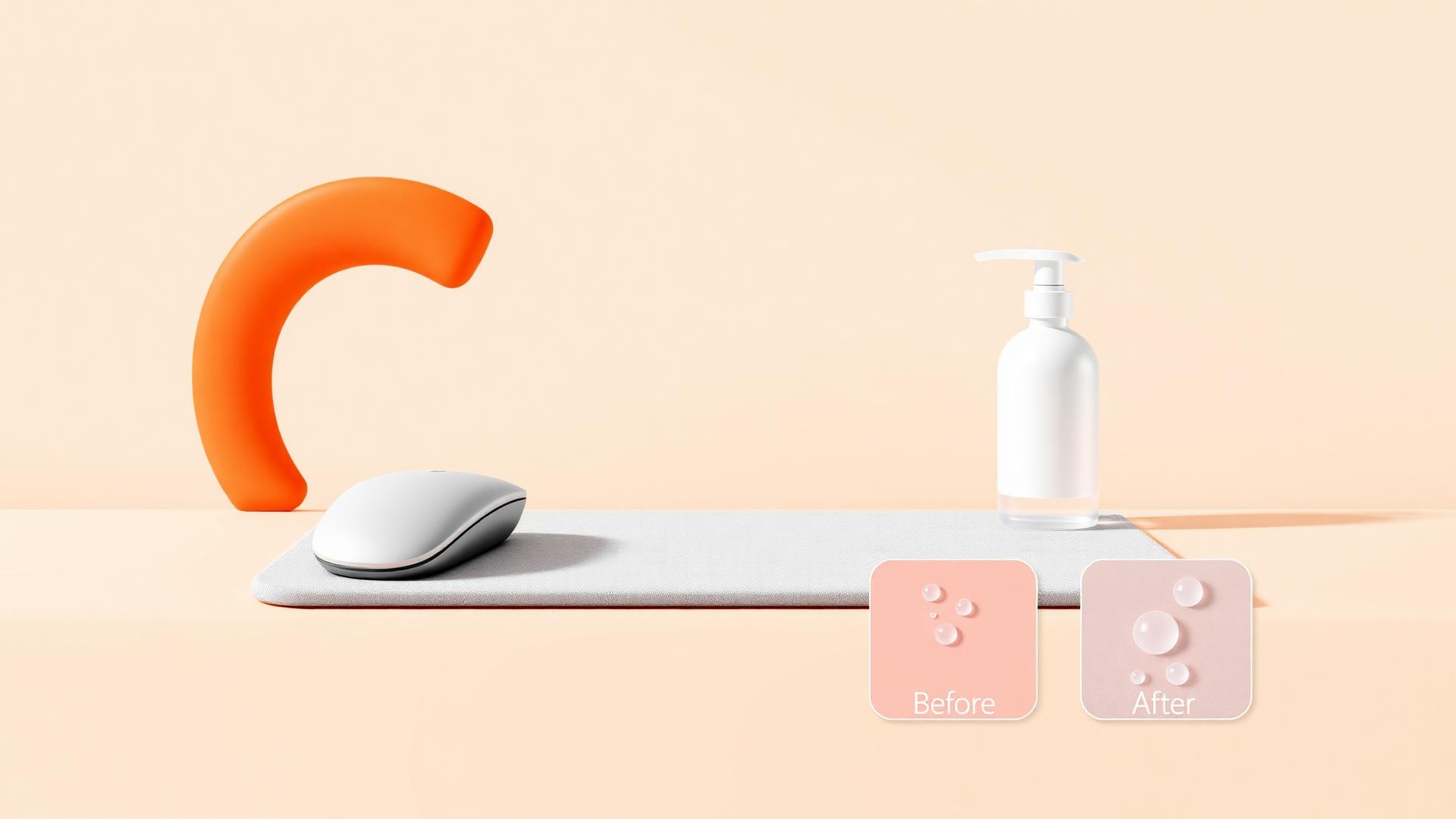
Warm water, a drop of dish soap, and a soft cloth is how to clean a mouse pad safely — no bleach, no dryer, no washing machine unless the pad is bare neoprene with no printed top. Get the method wrong and you'll fade the print or crack the rubber base faster than normal use ever would.
This covers hand-washing step by step, when machine washing is actually safe, drying, spot cleaning, deodorizing, and the mistakes that quietly kill a pad's colorfastness.
Why cleaning method depends on construction
A cloth mousepad or deskmat is not one material — it's two bonded together, and each reacts differently to water, heat, and agitation.
- Top layer: woven cloth with a dye-sublimation print. The dye is heat-bonded into the fiber, not sitting on top of it like ink. That bond is strong against water and mild soap, but weak against solvents, bleach, and prolonged heat.
- Base layer: rubber, bonded to the cloth with adhesive. Rubber degrades with heat and stiffens or cracks with age. The adhesive bond between cloth and rubber is the weakest point on the whole pad.
Every rule below exists because of that two-material structure. A pure neoprene mat with no printed top behaves differently — more on that below — but most gaming mousepads and deskmats, including anything with a custom AI-generated design, are cloth-top-and-rubber-base.
How to clean a mouse pad by hand (the safe method)
This is the same method that works for a full-size deskmat, just scaled to a sink instead of a tub.
- Shake out loose debris. Take the pad outside or over a trash can and shake it, then run a dry hand or lint roller over the surface to lift crumbs and hair before any water touches it.
- Fill a tub or sink with warm — not hot — water. Hot water is the single biggest risk to the rubber base and to sublimation colorfastness. Lukewarm is enough to lift oils.
- Add a small amount of mild dish soap. A few drops in the water, not applied directly to the fabric at full strength.
- Lay the pad flat and hand-rub in circles. Use a soft microfiber cloth or a soft sponge — never a scrub brush, never the abrasive side of a sponge. Circular motion lifts grime without dragging it into the weave.
- Rinse thoroughly with clean water. Soap residue left in the weave attracts dust and makes the surface feel tacky under your mouse. Rinse until the water runs clear.
- Press out excess water — do not wring. Lay the pad on a dry towel, roll the towel and pad together, and press. Wringing twists and stresses the rubber-to-cloth bond.
- Hang or lay flat to air dry. Full air dry, out of direct sun, away from any heater or radiator.
A full clean takes about 15–20 minutes including dry time to get started, and most pads tolerate this a handful of times a year without any visible wear.
What soaps and cleaners are actually safe
| Safe | Unsafe |
|---|---|
| Mild dish soap (a few drops, diluted) | Bleach or bleach-based cleaners |
| Plain warm water | Rubbing alcohol / alcohol wipes |
| Baby shampoo (very mild, gentle on dye) | Ammonia-based glass cleaners |
| Diluted white vinegar for odor (rinse well after) | Any solvent-based stain remover |
| Soft microfiber cloth | Melamine "magic" erasers (abrasive) |
The rule of thumb: if a product is strong enough to strip grease off a pan or disinfect a counter, it's strong enough to break the dye bond in a sublimated print or dry out the rubber base. Stick to the gentlest option that actually works.
Can you wash a desk mat in the washing machine?
Are desk mats machine washable? Mostly no, and this is the most common way people accidentally ruin a good pad.
The washing machine problem isn't the water — it's the mechanical agitation and the spin cycle. A washer twists and flexes the pad repeatedly while wet, which is exactly the stress that separates the rubber base from the cloth top over time. The spin cycle also wrings the pad hard enough to warp the rubber permanently.
There are two exceptions where it can work:
- Small mousepads with a fully bonded, low-profile rubber base, washed on a cold, gentle/hand-wash cycle, air dried flat afterward — some people do this successfully, but it's a risk you're taking on, not a guarantee.
- Pure neoprene mats with no separate rubber backing layer (see below) tolerate machine washing far better because there's no adhesive bond to fail.
For anything XL, XXL, or XXXL — a full deskmat — don't machine wash it at all. It won't fit most drums properly, the size means more flex and stress per cycle, and if it goes wrong you've lost a much bigger investment than a small pad.
How to clean a neoprene desk mat
Neoprene desk mats (rubber-only, no separate cloth top bonded on) are more forgiving:
- Hand wash the same way as above — warm water, mild soap, soft cloth.
- They tolerate a gentle machine cycle better than cloth-top/rubber-base pads because there's no separate layer to delaminate.
- Still avoid the dryer. Heat is neoprene's main enemy regardless of construction — it can shrink, warp, or crack the surface.
- Neoprene doesn't print the same way as cloth, so if your neoprene mat has a printed design, treat it exactly like a sublimated cloth pad and skip the machine entirely.
Drying: the step people get wrong most
Never use a dryer. Ever. This is the fastest way to warp a rubber base or fade a sublimated print, and the damage is permanent — heat-set dye that's already bonded can still shift or dull under prolonged high heat, and rubber softens then re-hardens unevenly.
Also avoid:
- Direct sunlight for extended drying (UV plus heat fades prints over time)
- Placing the pad on or near a radiator, heating vent, or space heater to "speed things up"
- Using a hairdryer on the surface
Lay the pad flat on a dry towel or hang it over a shower rod or drying rack. Full air dry for a deskmat can take several hours; don't put it back on your desk while it's still damp, since trapped moisture under the rubber base can encourage mildew.
Spot cleaning between full washes
You don't need a full wash for everyday grime. For most maintenance:
- Wipe with a dry microfiber cloth, moving in one direction, to lift dust and skin oils.
- For a fresh spill, blot immediately with a dry cloth before it soaks in — don't rub, which spreads it.
- For a dried spot, dampen a cloth with the warm-water-and-soap mix, dab the spot, then wipe with a clean damp cloth to rinse, and let it air dry before using the pad again.
This is also the method to use if you only need to clean a cloth mousepad without ruining it in a hurry — no soaking, no full submersion, just targeted attention.
Deodorizing without harsh chemicals
Skin oil and trapped humidity are what cause odor, not the print or the rubber themselves. To deodorize:
- Hand wash as above — this removes most of the oil causing the smell in the first place.
- Let the pad dry completely and fully before using it again; a damp rubber base is what causes musty smell, not the fabric.
- For persistent odor, a very dilute white vinegar rinse (a tablespoon in a liter of water) after washing can help, followed by a thorough clean-water rinse so no vinegar smell lingers.
- Avoid fabric fresheners and scented sprays directly on the surface — most contain alcohol or solvents that affect the print.
How often should you clean it
There's no fixed schedule, but a reasonable baseline:
- Weekly: quick dry wipe with a microfiber cloth.
- Every 2–3 months, or sooner if you eat at your desk or spill something: a full hand wash.
- Immediately: any liquid spill, especially sugary drinks, which leave a sticky residue that attracts dust and can eventually seep toward the rubber base.
Wash your hands before long gaming sessions — most of what actually dirties a pad over time is skin oil, not dust from the air, and reducing that at the source cuts down how often a full wash is needed.
What actually ruins a mousepad
- Heat — dryers, radiators, hot cars, direct sun for hours at a time. Warps rubber, dulls sublimated color.
- Bleach and harsh solvents — breaks the dye bond in the print and dries out rubber.
- Wringing — twists and stresses the cloth-to-rubber adhesive bond.
- Abrasive scrubbing — scrub brushes, melamine sponges, and rough scouring pads fray the weave and can visibly thin the print over the high-use mouse zone.
- Dishwasher — combines hot water, detergent chemicals, and mechanical force; it's a worse version of every risk above at once. Never put a pad in a dishwasher.
- Folding for storage — not a cleaning issue, but worth mentioning here: folding creases the cloth and can crack the rubber along the fold line, which speeds up how fast the pad shows wear from normal cleaning too.
When to replace instead of clean
Cleaning fixes dirt, not structural wear. Replace the pad when:
- The cloth weave in the mouse-travel zone is visibly flattened or thinning no matter how clean it is.
- The rubber base has lost its grip and the pad slides around on a clean desk.
- Colors have genuinely faded compared to the rest of the pad (rare with proper care, but heat exposure accelerates it).
- Tracking feels inconsistent even right after a clean, which usually means the weave itself has worn down, not that it's dirty.
A well-cared-for stitched-edge pad with a dye-sublimated top should hold up for years under normal cleaning. If you're seeing damage well before that, it's usually a one-time care mistake rather than a design flaw — see our full deskmat care guide for the storage and handling habits that prevent it in the first place.
Related reading
FAQ
How do you clean a mouse pad without ruining the print?
Use warm water and a small amount of mild dish soap, hand-rub gently with a soft cloth, rinse fully, and air dry flat. Avoid bleach, alcohol, and any solvent-based cleaner, since those break the dye bond in a sublimated print.
Can you wash a desk mat in the washing machine?
Generally no for cloth-top, rubber-base deskmats — the agitation and spin cycle stress the bond between the layers and can warp the rubber. Hand washing is the safer, recommended method for anything with a printed cloth top.
Are desk mats machine washable?
Only reliably for pure neoprene mats without a separate bonded rubber base, and even then a cold, gentle cycle with air drying is safest. Cloth-top deskmats with rubber bases should be hand washed instead.
How do I clean a neoprene desk mat?
Hand wash with warm water and mild soap the same as a cloth pad, then air dry completely — never use a dryer. Neoprene tolerates gentle machine washing slightly better than layered cloth-and-rubber pads, but skip it if the surface has a printed design.
How often should I wash my mousepad?
A quick dry wipe weekly and a full hand wash every two to three months is a reasonable baseline for daily use, with an immediate spot clean any time something spills. Washing your hands before long sessions reduces how often a deep clean is needed.
What ruins a mousepad's colors fastest?
Heat is the biggest threat to a dye-sublimated print — dryers, direct sun, and hot cars can dull or shift color even though the dye is bonded into the fiber. Bleach and strong solvents cause the same kind of damage chemically.
Can I put my mousepad in the dishwasher?
No. A dishwasher combines hot water, detergent, and mechanical force, which hits every weak point of a cloth-and-rubber pad at once — heat damage to the print, chemical stress on the dye bond, and physical stress on the rubber base.
If you're due for a replacement rather than another wash, you can design a new one from scratch in the AI studio and pick a size and thickness that suits how you actually use your desk — check current options on the pricing page before you start.
Keep going
Like this? Get the next one in your inbox.
New journal posts, prompt packs, and artist drops. No spam, ever.