
How to Care for a Gaming Mouse Pad
August 6, 2026
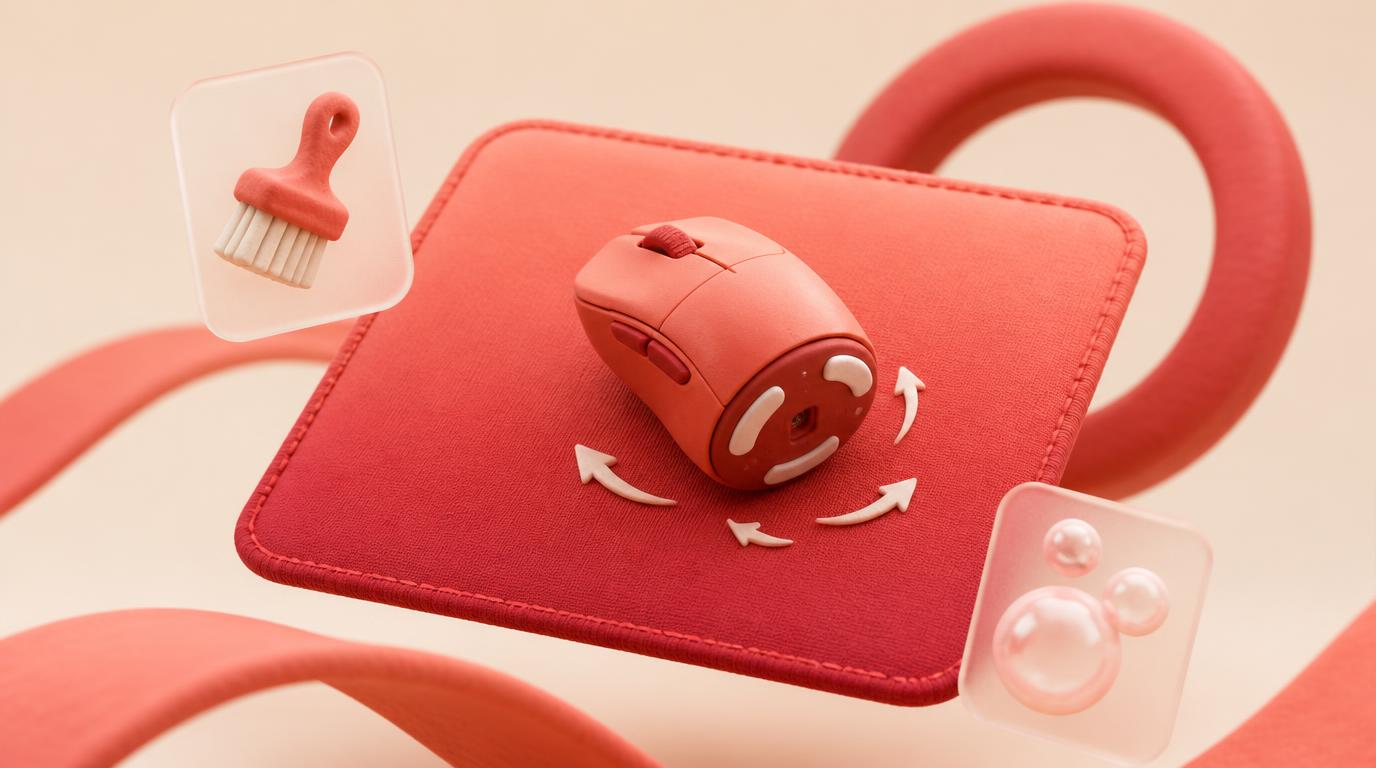
Caring for a gaming mouse pad is about performance, not just cleanliness: keep the cloth surface free of oil and grit so your cursor glides at a consistent speed, spot-clean between full washes so friction doesn't creep up mid-session, and clean your mouse skates just as often as the pad itself. A dirty control-surface pad doesn't just look worn — it changes how your mouse tracks, which throws off muscle memory you've built over hundreds of hours.
This isn't a general wash-and-dry guide. For the full deep-clean mechanics, see How to Clean a Mouse Pad. Here we're focused on the gaming-specific angle: why grime degrades aim consistency, how to maintain glide between deep cleans, and how control versus speed surfaces should be cared for differently.
Why a dirty pad changes how your mouse tracks
A cloth gaming mousepad works through friction between the fabric weave and your mouse's skates (the small plastic feet on the bottom). That friction is tuned by the manufacturer to feel a certain way — fast and low-resistance on a speed surface, or slower and more controlled on a control surface. Skin oil, dust, and dead skin cells build up in the weave over time and change that friction, usually unevenly across the pad. The result is a surface that drags in the areas you rest your palm and glides differently everywhere else.
For casual use this is barely noticeable. For anyone doing precise flicks or tracking in an FPS, it's the difference between a shot landing and a shot going wide, because your hand has already calibrated to a glide speed that no longer matches what the pad is actually doing. If your aim has felt "off" lately and your settings haven't changed, check the pad before you touch your sensitivity.
Spot-cleaning: the maintenance step most players skip
You don't need a full wash every time the pad feels slightly tacky. A quick spot-clean between deep cleans keeps glide consistent without the 12-24 hour dry time:
- Dampen a microfiber cloth with plain water, no soap.
- Wipe the palm-rest zone and any high-contact area in the direction of the weave, not in circles.
- Follow with a dry cloth to lift moisture before it soaks into the rubber base.
- Let it air out for 15-20 minutes before gaming on it again.
Do this every few days if you play daily, especially in a warm room or during long sessions. It's the single easiest way to keep a stitched, sublimation-printed 4mm pad performing like new between the real washes described in our general cleaning guide.
The deep clean, tuned for glide restoration
Full washes matter more for a gaming pad than a decorative one, because oil buildup directly changes friction. Every 3-6 weeks, or sooner if you notice drag:
- Lay the pad flat in a sink or tub with lukewarm water and a small amount of mild soap.
- Rub gently with your fingertips or a soft cloth, working in the direction of the weave rather than scrubbing in circles, which can fuzz the fibers and add drag of its own.
- Rinse until the water runs completely clear — leftover soap film is a common cause of a pad that still feels sticky after "cleaning" it.
- Press out water with a towel, don't wring, then dry flat or hanging for a full 12-24 hours before use.
Skipping the rinse step is the most common mistake here. Soap residue sits on top of the weave and creates its own friction layer, which can make a freshly washed pad feel worse than the dirty one you started with.
Don't forget the mouse itself
Pad care only fixes half the friction equation. Your mouse's skates collect the same oil and grit, and worn or gunked-up skates will drag on even a perfectly clean pad. Every time you deep-clean the pad:
- Flip the mouse over and wipe the skates with a damp cloth, then dry them fully.
- Check the skate edges for burrs or built-up grime, which you can often lift gently with a fingernail or plastic scraper.
- If skates look visibly worn down or rounded at the edges, replacement skates will do more for glide than any amount of pad cleaning.
A pad and mouse maintained together stay matched to each other, which is what actually produces consistent tracking day to day.
Control surfaces vs. speed surfaces need different habits
Cloth gaming pads generally fall into two categories, and how they show dirt differs:
- Control surfaces have a tighter, more textured weave that resists glide. They tend to trap oil and dust more visibly and can start to feel grabby or inconsistent sooner, since the texture that gives control is also what holds onto grime.
- Speed surfaces have a smoother, more open weave built for low friction. They show buildup less obviously but lose that low-friction feel gradually, so it's easy to not notice the drift until it's fairly significant.
If you're not sure which type you're running, check for a smoother weave (speed) or a slightly tighter woven feel (control) — either way, the fix is the same weekly spot-clean and periodic deep wash. If you're shopping for a new one, our artisan mousepad guide covers how surface type and print interact on a custom pad.
Size matters for how quickly grime builds up
Small pads concentrate wear in a smaller area, since your entire mouse range covers less real estate — the palm-rest zone and the active tracking zone often overlap, so oil and drag build up faster in one spot. Large XL, XXL, and XXXL pads spread that same motion across far more surface, meaning any single area sees less repeated contact and stays cleaner longer between washes.
That's not a reason to avoid a smaller pad, but it does mean smaller pads benefit more from the spot-clean habit above, since the high-wear zone is harder to avoid. If you're deciding on a size for a new setup, compare options on the pricing page before ordering.
New pad, wrong glide? Check for shipping curl first
A brand-new pad that feels inconsistent isn't necessarily dirty — it may just have a slight curl or crease from shipping that keeps it from sitting flat against the desk, which changes glide at the edges. Lay it flat with light weight on the corners for a day or two before assuming anything's wrong. Full steps are in our guide on how to flatten a new mousepad.
Do's and don'ts for gaming pad performance
| Do | Don't |
|---|---|
| Spot-clean the palm-rest area every few days | Wait for visible dirt before cleaning anything |
| Clean mouse skates alongside the pad | Assume drag is always the pad's fault |
| Wipe and rinse in the direction of the weave | Scrub in circles, which fuzzes fibers and adds drag |
| Let the pad fully dry before gaming on it | Use it damp — moisture changes glide unpredictably |
| Match your cleaning habit to control vs. speed surface | Treat every cloth pad's texture the same way |
| Flatten shipping curl before judging a new pad's feel | Blame a new pad's curl on dirt or a bad surface |
Related reading
- How to Clean a Mouse Pad
- How to Care for an Anime Deskmat
- How to Flatten a New Mousepad (Safely)
- Artisan Mousepad Guide
FAQ
How often should I clean a gaming mouse pad?
Spot-clean the palm-rest area every few days with a damp cloth and do a full wash every 3-6 weeks, depending on how often and how sweatily you play. Heavy daily use calls for more frequent attention to keep glide consistent.
Can a dirty mousepad actually affect my aim?
Yes. Oil and dust buildup changes friction unevenly across the surface, so your cursor glides differently in the palm-rest area than elsewhere. That inconsistency throws off the muscle memory your aim depends on, even if your sensitivity settings haven't changed.
Should I clean my mouse skates too?
Definitely. Skates collect the same oil and grit as the pad, and dirty or worn skates will drag regardless of how clean the pad is. Wipe them down every time you deep-clean the pad.
What's the difference in caring for a control surface versus a speed surface?
Control surfaces have a tighter weave that traps grime more visibly and can feel grabby sooner, while speed surfaces show buildup less obviously but lose their low-friction feel gradually. Both need the same basic care, just watch control surfaces slightly more closely.
Does pad size affect how often I need to clean it?
Yes. Smaller pads concentrate your mouse's motion into a tighter area, so oil and drag build up faster in the high-contact zone. Larger XL, XXL, or XXXL pads spread that contact out and generally stay clean longer between washes.
My new pad feels inconsistent — is it dirty?
Probably not. A new pad often has a slight curl or crease from shipping that keeps it from lying flat, which can throw off glide at the edges. Flatten it first before assuming anything's wrong with the surface itself.
Is it safe to use soap on a gaming mousepad?
Mild dish soap and lukewarm water are fine and won't damage a sublimation-printed, stitched pad, as long as you rinse thoroughly. Leftover soap residue is actually a common cause of a pad that still feels sticky after washing.
Ready for a pad that's built to hold its glide? Design your own gaming mousepad in the studio.
Keep going
Like this? Get the next one in your inbox.
New journal posts, prompt packs, and artist drops. No spam, ever.