
How to Care for a Gaming Deskmat
August 5, 2026
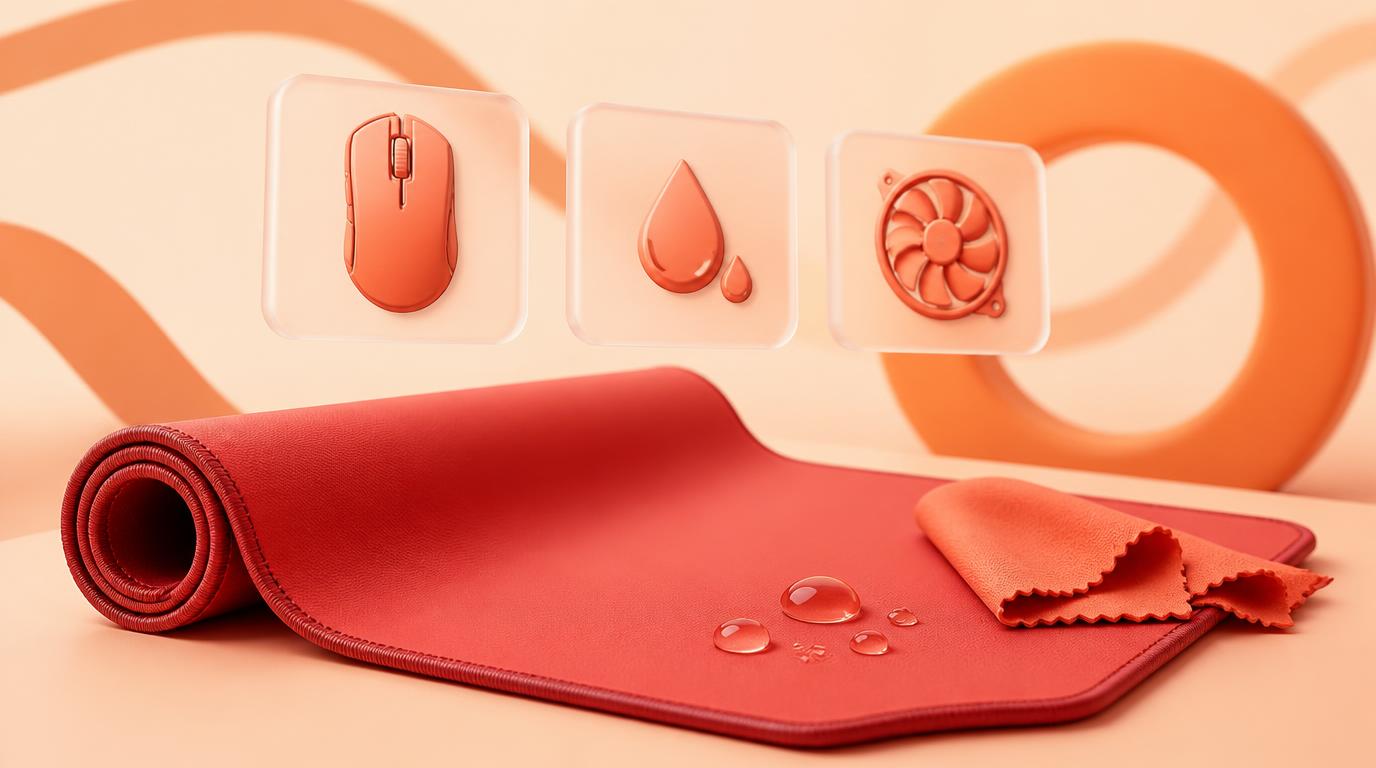
Caring for a gaming deskmat means managing the two things competitive and casual play punish fastest: glide consistency and grip. Wipe down sweat and palm oil after long sessions, wash with warm water and mild soap every few weeks, keep the rubber base away from heat, and rotate pads if you game daily so no single surface takes all the wear. Do that and a stitched, sublimation-printed 4mm pad will keep tracking the same way on day 500 as it did on day one.
This isn't a general cleaning walkthrough — for the step-by-step wash mechanics, see How to Clean a Mouse Pad. This guide is about the gaming-specific stuff: why sensor tracking drifts, why esports players wipe down before matches, and how heat from a packed setup wears out a pad faster than casual desk use ever would.
Why gaming wears a deskmat differently than everyday use
A gaming deskmat isn't sitting still — it's absorbing thousands of flicks, swipes, and palm rests per session, often for hours at a time, often while your hands are warmer and sweatier than they'd be typing an email. That combination of friction, moisture, and heat accelerates two things: the surface texture that gives your sensor consistent readings, and the rubber base grip that keeps the pad from sliding during an aggressive flick shot. Neither failure shows up instantly. They creep in as "my aim feels off lately" or "the pad keeps drifting toward the edge of my desk," and most players blame their mouse or their settings before they think to check the pad itself.
Sweat and palm oil: the real enemy of consistent glide
Long sessions mean sweat and palm oil build up exactly where your hand rests and where your mouse travels most. That residue does two things: it makes the cloth surface tackier in patches, which changes how your mouse glides across different parts of the pad, and it eventually works into the weave, dulling both feel and print clarity. A pad that glides evenly on the left side but drags slightly on the right isn't in your head — it's usually residue, not fabric wear.
- Wipe down the palm-rest zone and mouse-travel area with a dry microfiber cloth after every long session, not just when it looks dirty.
- In hot rooms or during marathon sessions, keep a cloth at your desk and wipe mid-session if your hands are visibly sweating.
- Do a full wash every 4-8 weeks if you game daily, more often in a hot room or during summer, since sweat volume scales with both.
Full wash without changing how the pad performs
- Lay the pad flat in a sink or tub large enough to fit it.
- Use warm water and a small amount of mild dish soap — never hot water, which can affect both the print and the rubber base.
- Hand-rub gently with a soft cloth or sponge. Avoid scrubbing hard at the surface texture; that texture is what gives you consistent sensor tracking, and abrasive scrubbing can fuzz it unevenly across the pad.
- Rinse until the water runs clear. Leftover soap changes surface friction and can make glide feel inconsistent even on a "clean" pad.
- Press out water with a dry towel. Don't wring or twist.
Skip bleach, alcohol wipes, and all-purpose cleaning sprays. Beyond the risk to the printed design, these can leave a residue film that alters glide feel in ways plain soap and water won't.
Why esports players wipe down before matches
You'll see competitive players run a cloth over their pad and their hands right before a match starts, and it's not superstition — it's tracking consistency. A pad that picked up dust or hand oil during warmup can feel slightly different than it did an hour earlier, and at a competitive level a slightly inconsistent glide is enough to throw off a flick you've drilled thousands of times. You don't need a pro routine to benefit from the same habit: a fifteen-second wipe before a ranked session or a long grind removes the variable entirely.
Keeping the rubber base gripping through aggressive flicks
The rubber base is what keeps your pad planted during fast, low-sensitivity flicks and quick direction changes. Two things degrade that grip over time: heat softening the rubber, and oils or moisture working underneath the pad from a sweaty desk surface. If your pad has started sliding during aggressive movements when it never used to, check both.
- Wipe your desk surface occasionally, not just the pad — oil and dust on the desk itself reduces how well the rubber base can grip.
- Keep the pad away from radiators, direct heater airflow, or a hot-running PC case pushed right up against it. Heat is the fastest way to soften a rubber base out of shape.
- If grip has genuinely faded rather than just needing a clean, that's usually a sign the pad is nearing end of life rather than something a wash will fix.
Hot-room and high-heat setups need a different rhythm
A packed gaming setup — tower exhaust, monitors, extra peripherals, sometimes a small room with poor airflow — runs warmer than a typical desk. That heat load affects your deskmat in two ways: it speeds up sweat buildup during sessions, and it puts constant low-level heat stress on the rubber base sitting inches from your PC's exhaust. If your setup runs hot:
- Angle your case exhaust away from the pad if possible.
- Deep clean more frequently than the 4-8 week baseline — heat accelerates the same buildup that sweat causes.
- Never dry a washed pad near your setup's heat sources; hang it over a rod or towel bar instead and give it 12-24 hours to fully air dry before it goes back on the desk.
Rotating pads if you game daily
If you're on your pad for hours every day, owning two and rotating them isn't excessive — it's the single easiest way to double the working life of both. One pad gets a full day to fully dry out and recover its surface feel while the other is in use, and neither one ever accumulates sweat and oil as fast as a single pad used nonstop. This also matters if you like matching a pad to different games or moods; browsing sizes on the XL/XXL/XXXL size guide is a good starting point if you're weighing a second pad for a different desk layout.
New pad flat, not curled
A new gaming deskmat can arrive with a slight curl from shipping, which affects glide near the edges until it's flattened out. Don't rush this with heat — ironing or a hairdryer risks the print and the rubber base. Lay it flat, weight the corners for a day or two, and it'll sit flush on its own. Full instructions are in How to Flatten a New Mousepad.
Do's and don'ts at a glance
| Do | Don't |
|---|---|
| Wipe the palm-rest and mouse-travel zones after long sessions | Let sweat dry into the fibers repeatedly |
| Wash with warm water and mild dish soap every 4-8 weeks | Use bleach, alcohol wipes, or all-purpose sprays |
| Keep the pad away from heaters, vents, and hot exhaust | Set it up right against a hot-running PC case |
| Wipe down before ranked sessions or long grinds | Assume tracking issues are always the mouse's fault |
| Rotate two pads if you game daily | Run one pad nonstop without recovery time |
| Roll the pad for storage or travel | Fold it, which cracks the rubber base along the fold |
| Let it fully air-dry before using or storing | Roll or use it while still damp |
Signs it's time for a new pad
Even with good habits, a daily-use gaming pad wears out eventually. Watch for:
- Sensor tracking feels inconsistent across different zones of the pad, even right after cleaning.
- The rubber base no longer grips the desk during fast flicks.
- The surface texture near your main mouse-travel area looks visibly smoother or shinier than the rest of the pad.
When that happens, cleaning won't bring back consistent tracking — it's a surface wear issue, not a residue issue. At that point it's worth designing a replacement rather than settling for whatever's in stock; you can build a custom layout in the studio and compare sizes and pricing on the pricing page before ordering.
Related reading
- How to Care for an Anime Deskmat
- How to Flatten a New Mousepad (Safely)
- XL/XXL/XXXL Deskmat Size Guide
FAQ
How often should I clean a gaming deskmat?
Wipe the palm-rest and mouse-travel areas after long sessions, and do a full warm water and mild soap wash every 4-8 weeks. Daily players or hot-room setups should lean toward the more frequent end of that range.
Can a dirty deskmat actually affect my aim?
Yes. Sweat, oil, and dust buildup change surface friction unevenly across the pad, which can make glide feel inconsistent from one zone to another. That inconsistency is often mistaken for a mouse or sensitivity problem when it's really a residue issue.
Why do esports players wipe their pad before a match?
A quick wipe removes dust and hand oil picked up during warmup, so the surface feels the same at match start as it did during practice. It takes fifteen seconds and removes a variable that can otherwise throw off a well-drilled flick.
Does heat from my PC actually damage the pad?
Yes, over time. Constant heat exposure from a nearby exhaust or a hot, poorly ventilated room can soften the rubber base and speed up sweat buildup on the cloth surface, both of which shorten the pad's usable life.
Is it worth owning two gaming deskmats to rotate?
If you game daily, yes. Rotating gives each pad time to fully dry and recover surface feel between sessions, which roughly doubles how long both pads stay in good condition compared to running one nonstop.
My pad's rubber base has stopped gripping the desk — can I fix that?
A quick clean of both the pad's underside and the desk surface sometimes restores grip if the cause is oil or dust buildup. If the rubber itself has softened or worn from heat and age, that's usually permanent and signals the pad is near the end of its life.
How long does a gaming deskmat typically last with good care?
A stitched, sublimation-printed 4mm pad used daily and cared for properly typically lasts a few years before the surface texture in the mouse-travel zone wears down. Rotating two pads and keeping heat exposure low extends that further.
Ready for a pad built to keep glide and grip consistent through every session? Design your own gaming deskmat in the studio.
Keep going
Like this? Get the next one in your inbox.
New journal posts, prompt packs, and artist drops. No spam, ever.