
How to Care for a Desk Mat: Full Guide
August 9, 2026
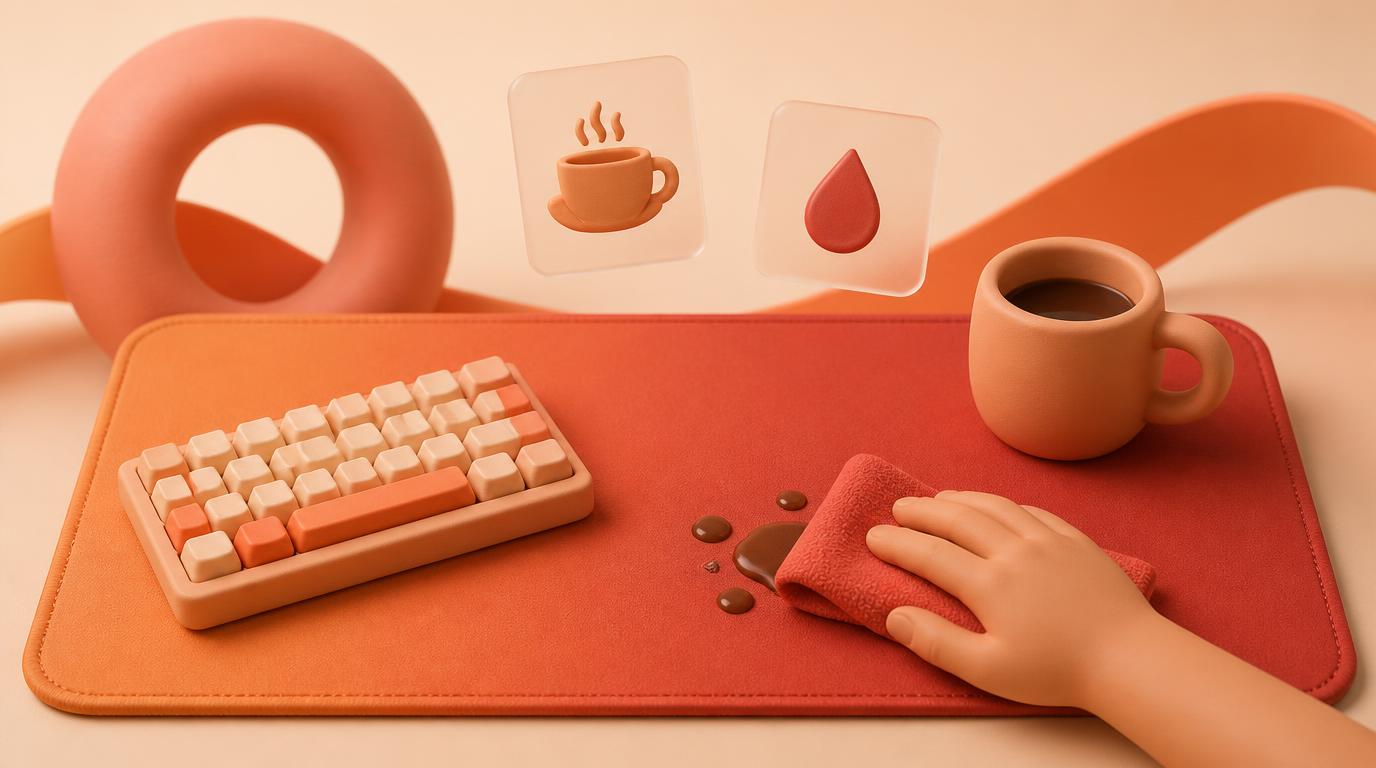
Caring for a desk mat means treating it like the surface your whole workday sits on, not like a small mousepad. Wipe up spills immediately, clean the full surface every few weeks with mild soap and water, dry it flat instead of folding it, and rotate your keyboard position occasionally so it doesn't press permanent grooves into one spot. A large stitched, sublimation-printed mat handles daily desk life well, but the bigger the surface, the more habits matter — a full-desk mat collects more coffee rings, more dust, and more pressure points than a mouse-sized pad ever will.
This article is about the specific challenges of desk-sized mats: coffee and food spills near a keyboard you can't just move aside, indentation marks from wrist rests and monitor arms, keeping the edges flat under hardware, and cleaning a surface you can't easily lift the desk off of. For a step-by-step wash method on a smaller pad, see How to Clean a Mouse Pad; this guide picks up where that one leaves off, at full-desk scale.
Why a full desk mat needs a different routine than a mousepad
A desk mat isn't just a bigger mousepad — it's the surface under your keyboard, wrist rests, notebook, coffee cup, and often a monitor arm clamp. More things touch it, more often, and most of them aren't a mouse gliding smoothly across cloth. Crumbs, condensation rings, ink, and the constant pressure of resting forearms all interact with the same stitched edge and 4mm rubber base that a small pad has, just across a much larger area. That scale is exactly why spot-cleaning habits matter more here than a once-a-month full wash.
Spills happen at a desk — plan for them
Desk mats live where people eat lunch, drink coffee, and take notes. The difference between a stain and a non-event is usually just speed:
- Blot liquid immediately with a dry cloth or paper towel — don't wipe outward, which spreads it toward the edges.
- For coffee, tea, or juice, follow with a damp cloth and a small amount of mild dish soap, then blot dry.
- For crumbs, tip them off the edge rather than brushing them across the print, which can grind small particles into the weave.
- If a spill reaches the stitched edge, dry that section flat rather than propping the mat up, since trapped moisture at the stitching is where mildew smell tends to start.
A mat that gets this treatment right after a spill almost never stains. One left to dry on its own usually leaves a faint ring that's much harder to lift later.
Keyboard indentations and pressure marks
Because a desk mat sits under a keyboard for hours a day, it's normal to notice a faint outline where the keyboard feet or wrist rest sit. This is compression, not damage, and it's rarely permanent on a quality 4mm mat:
- Shift your keyboard and wrist rest position by an inch or two every week or two so pressure doesn't concentrate on one spot.
- Avoid leaving heavy objects — monitor stands, books, a laptop — parked on the mat when you're not using it.
- If a mark does set in, laying the mat flat with even light weight across the whole surface (not just the marked area) for a day or two usually evens it back out.
Monitor arm clamps deserve a specific mention: if your arm's base plate presses down at the back edge of the mat, that's a concentrated pressure point in one fixed spot for months at a time. Where possible, position the clamp just off the mat's edge, or choose a size that leaves clearance — the XL/XXL/XXXL size guide breaks down how much desk real estate each size actually needs, which is worth checking before you clamp anything down permanently.
Pen ink, marker, and other stains that aren't sweat or coffee
Desk mats catch things a mousepad never sees — a pen that leaks, a highlighter cap left off, correction fluid. Ink is one of the few stains where mild soap and water alone may not fully lift it:
- Blot immediately; never rub, which pushes ink deeper into the fiber weave.
- Try a small amount of rubbing alcohol on a cotton swab only on the stain itself, testing an inconspicuous corner first — this is the one exception to the usual "avoid alcohol" advice, and it should stay far from the printed art itself.
- Follow with a normal soap-and-water wipe to remove any alcohol residue.
- Fresh ink lifts far more easily than ink that's dried in for days, so treat it the same day if you can.
Dust across a large surface
A mousepad has a small footprint to keep clean; a desk mat can be two or three feet across, and dust settles on all of it — under monitors, behind a laptop stand, along edges that rarely get touched by hands or mouse. A quick weekly pass with a dry microfiber cloth, in one direction, keeps dust from working into the weave and dulling the printed surface over time. For anyone using a printed design rather than a plain mat, this matters even more, since dust sitting on top of the fibers scatters light and makes the art look flat — the same principle covered in the anime deskmat care guide applies just as much to any printed full-desk mat.
Cleaning a mat you can't easily remove from the desk
Small mousepads can be tossed in a sink. A full desk mat usually can't be pulled out from under a monitor arm, cable management tray, and everything else on the desk without a bigger disruption, so most people end up cleaning it in place:
- Clear the desk surface as much as reasonably possible — move the keyboard, mouse, and anything loose off the mat.
- Dry-wipe first to lift crumbs and dust before introducing any moisture.
- Dampen a cloth with warm water and a small amount of mild soap, and wipe in sections, wringing the cloth out between passes so you're not soaking the mat.
- Dry each section with a clean towel before moving to the next, so water doesn't pool under fixed hardware.
- For a true deep clean every couple of months, unclip anything you can and fully unroll or lift the mat to wash it properly, following the same warm-water, mild-soap method as a smaller pad.
Doing this in sections avoids the two real risks of in-place cleaning: soaking a spot that then sits wet under a keyboard for hours, and pushing dust and crumbs under nearby equipment instead of off the mat entirely.
Keeping the edges flat under a keyboard and monitor arm
Full-desk mats are more prone to edge lift than small pads, mostly because hardware sits directly on top of parts of them. A few habits keep the stitched edge sitting flat:
- Unroll a new mat fully and let it lie flat for a day or two before loading it up with a keyboard and monitor arm — putting weight on a mat that's still adjusting from shipping can lock in an uneven edge. If a mat arrives with a stubborn curl, the flattening method in How to Flatten a New Mousepad applies directly, just scaled up for a bigger surface.
- Avoid taping the edges down. Tape residue on stitching is hard to remove and can pull at the seam over time.
- If one corner lifts because it's near the edge of the desk, a slim anti-slip strip under just that corner is safer than tape.
Felt/cloth vs PU leather desk mats
The material affects care in a few practical ways:
- Felt or cloth-top mats (like sublimation-printed cotton or polyester blends) breathe better under wrists and show printed art with more texture, but they absorb spills faster, so quick blotting matters more.
- PU leather desk mats wipe clean almost instantly since liquid sits on the surface rather than soaking in, but they can feel warmer under wrists in long sessions and are more prone to visible scuffing from sharp objects like pen tips or the edge of a phone case.
- Both materials should avoid harsh solvents; mild soap and water is the safe default for either.
- Cloth-top mats generally hide keyboard indentation marks better since the weave has more give; PU leather can show a firmer, more visible line under heavy or fixed hardware.
Neither is objectively better — it's a tradeoff between spill resistance and everyday feel, and both hold up well with the routine above.
Do's and don'ts for desk mat care
| Do | Don't |
|---|---|
| Blot spills immediately, working inward from the edges | Wipe a spill outward toward the stitched edge |
| Wipe dust weekly with a dry microfiber cloth | Let dust build up along edges hidden under monitors |
| Shift keyboard and wrist rest position periodically | Leave a monitor arm clamp pressing the same spot for months |
| Clean in place using damp sections, drying as you go | Soak the whole mat while it's still under your keyboard |
| Test ink or stain removers on a hidden corner first | Rub ink instead of blotting it |
| Let the mat lie fully flat before loading hardware on it | Tape the edges down to fight curling |
| Roll the mat for storage or a deep clean | Fold it, which creases the base and stitching |
Related reading
- How to Clean a Mouse Pad
- How to Care for an Anime Deskmat
- How to Flatten a New Mousepad (Safely)
- XL/XXL/XXXL Deskmat Size Guide
FAQ
How often should I clean a desk mat?
A quick dry wipe once a week keeps dust from settling into the weave, and a full soap-and-water clean every 4-8 weeks handles oils and residue that build up under a keyboard and wrist rest. Clean immediately after any spill rather than waiting for the next scheduled clean.
Can I clean a desk mat without taking it off the desk?
Yes, if you clean it in sections — dry-wipe first, then dampen a cloth with mild soap and water and work across small areas, drying each before moving on. This avoids soaking a spot that then sits wet under fixed hardware like a monitor arm.
Will my keyboard leave permanent marks on the mat?
Usually not. Light compression marks from a keyboard or wrist rest are normal and typically even out if you shift positions occasionally and let the mat lie flat without weight when you're not using it. Marks under a fixed monitor arm clamp for many months are more likely to linger, so repositioning the clamp helps.
How do I get pen ink out of a desk mat?
Blot fresh ink right away, then use a small amount of rubbing alcohol on a cotton swab directly on the stain, testing a hidden corner first. Follow with a normal soap-and-water wipe to clear any alcohol residue, and avoid rubbing, which spreads ink into the weave.
Is a felt or cloth desk mat harder to keep clean than PU leather?
Cloth-top mats absorb spills faster, so quick blotting matters more, while PU leather wipes clean almost instantly since liquid stays on the surface. Both do fine with mild soap and water; the difference is mostly how fast you need to react to a spill.
What size desk mat is easiest to keep flat under a keyboard and monitor arm?
Larger mats give you room to position a monitor arm clamp off the mat's edge and shift your keyboard around without running out of surface, which helps avoid one fixed pressure point. The XL/XXL/XXXL size guide compares dimensions against typical desk setups if you're deciding between sizes.
How do I know when it's time to replace a desk mat?
Look for a visibly flattened or shiny mouse-travel zone, a rubber base that's lost grip and slides on a clean desk, or persistent creases and stains that no longer respond to cleaning. If you're ready for a new one, you can compare finishes on the pricing page and build a custom design in the studio.
Ready to build a desk mat sized and finished for how you actually work? Design yours in the studio.
Keep going
Like this? Get the next one in your inbox.
New journal posts, prompt packs, and artist drops. No spam, ever.