
Best XXL Mousepads 2026: What to Look For
July 9, 2026
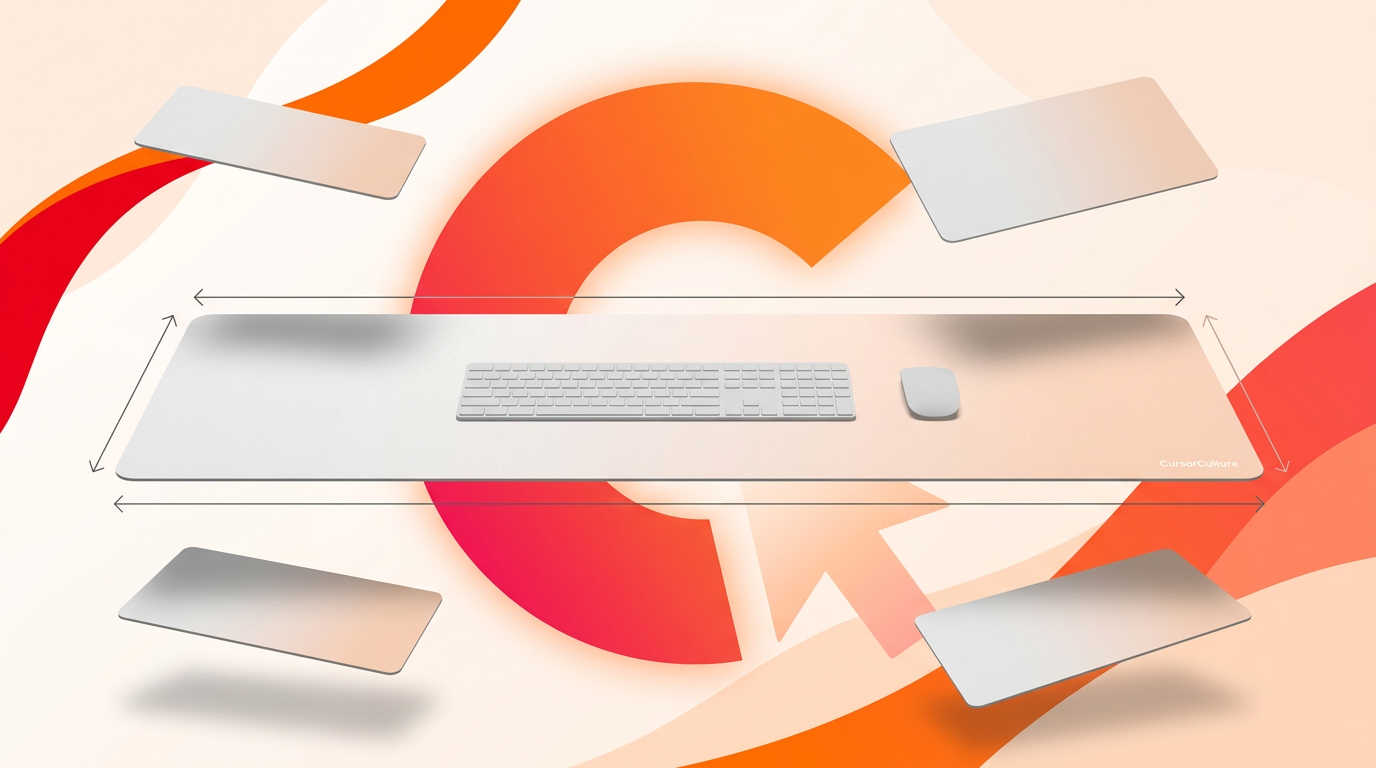
The best XXL mousepads in 2026 aren't defined by a single "winner" — they split into three real categories: mass-market print-on-demand pads, esports control/speed pads, and custom AI-designed pads, and the right one depends on whether you care more about surface feel, brand recognition, or owning a design nobody else has. Here's what actually separates a good XXL pad from a mediocre one, category by category, so you can evaluate any pad you're looking at rather than trust a ranking.
XXL pads (900×400mm and up) solve one specific problem: your keyboard, mouse and wrist all sit on one continuous surface instead of three. No seams, no edge catching your wrist mid-swipe, no mouse falling off a small pad during a low-DPI flick. That's the whole value proposition — everything else is about how well a given pad delivers it.
The three categories of XXL mousepad
Mass-market print-on-demand
These are the pads you find flooding marketplace listings — a photo or fan-art print slapped on a generic XXL blank. Prices are low, turnaround is fast, and quality is wildly inconsistent between listings even from the same seller, because the base blank and the print process vary batch to batch.
Esports control/speed pads
Brand-name pads built around a specific surface feel (control, speed, or hybrid) and validated by competitive players. Colorways are almost always plain — black with a logo — because the surface coating that gives the feel doesn't hold fine print detail well. You're buying surface consistency, not art.
Custom AI-designed pads
Built the opposite way around: you pick the size and surface first, then generate or upload the art that fills it. The tradeoff is that you're not buying a pad validated by thousands of tournament hours — you're buying a known cloth-and-rubber construction with artwork nobody else has. CursorCulture XXL/XXXL pads sit in this category, at 900×400mm and 1200×600mm, 4mm thick, stitched edges, sublimation-printed, no design minimum.
What to actually check before buying any XXL pad
Surface type
Cloth surfaces come in two broad feels: "speed" (low friction, glide-focused, favored for fast flick aim) and "control" (higher friction, more resistance, favored for tracking and micro-adjustments). At XXL scale this matters more than at small sizes because you're gliding across the same texture for the entire arc of a flick — an inconsistent weave shows up as inconsistent friction partway through a swipe.
Base grip on glass or wood desks
Rubber bases are not created equal. A thin or low-density rubber base grips fine on a textured laminate desk but slides on glass or a glossy sealed wood finish — exactly the situation an XXL pad's weight advantage should prevent. If your desk has a slick top, ask specifically about base density rather than assuming "rubber base" is a solved problem.
Edge stitching at long spans
Stitching matters at any size, but a 900mm or 1200mm edge has far more linear distance to fray than a 300mm one. Heat-sealed (unstitched) edges on a small pad might last years; the same construction on an XXL edge frays noticeably faster because there's more perimeter exposed to daily wrist contact and repeated rolling for storage or shipping. Stitched edges on all four sides, not just the long ones, is the baseline to look for. Our stitched vs unstitched edges guide covers the two-year wear difference in detail.
Flatness after shipping
Any XXL pad ships rolled. What varies is how quickly it flattens and whether it retains a permanent wave at the ends. A pad that's still domed after 48 hours, or that has visible ripples at the rolled edge weeks later, points to a base material that doesn't fully relax — a real complaint with cheaper synthetic-foam bases. Good 4mm rubber bases settle within about a day under normal use.
Print quality across a wide area
This is where mass-market print-on-demand pads vary the most. Printing a sharp image edge-to-edge across 900mm+ requires source art generated or scanned at sufficient resolution for that physical size — not a small image stretched to fit. A print that looks crisp near the center and soft toward the edges is a resolution problem, not a printer problem. If you're designing your own, this is solved by generating art at the canvas's actual dimensions rather than upscaling afterward — see AI image quality explained for the resolution math.
Price-per-year value
An XXL pad you use daily gets 8-10 hours of contact time. At that use rate, the real cost comparison isn't sticker price — it's sticker price divided by realistic lifespan. A $15 unstitched pad that frays and curls within a year costs more per year of use than a $29-40 stitched pad that lasts three to five years. Compare on that basis, not upfront price alone.
Category comparison table
| Factor | Mass-market print-on-demand | Esports control/speed pads | Custom AI-designed |
|---|---|---|---|
| Surface consistency | Variable batch to batch | Validated, consistent | Consistent (fixed base material) |
| Available art | Fixed catalog, often reused | Plain / logo only | Anything you generate or upload |
| Edge construction | Often unstitched or thin stitching | Stitched, well-tested at size | Stitched all 4 sides |
| Base grip | Inconsistent | Reliable, tested for glide | Rubber base, size-appropriate |
| Print sharpness at XXL | Depends on source resolution | N/A (no print) | Depends on your source resolution |
| Best for | Budget, casual use | Competitive tracking/flicking | Personalized setups, streaming, anime/gaming aesthetics |
Why category matters more than brand
Most buying guides compare individual products. That's less useful than it sounds, because two pads in the same category from different brands are usually more similar to each other than two pads across categories. A $30 esports control pad and a $35 esports speed pad differ mainly in surface friction, not construction quality. A $30 print-on-demand pad and a $30 custom pad can differ enormously in stitching, base density, and print sharpness, because "custom" and "print-on-demand" describe a production process, not a fixed spec. Once you know which category solves your actual problem — competitive surface feel, budget, or personalization — comparing specific listings within that category is far more productive than comparing across categories.
Best XXL by use case
- Low-DPI FPS (Valorant, CS2): prioritize a control or hybrid surface and confirm the width covers your cm/360 — see the low-DPI sizing math.
- Streaming setups: custom-printed XXL or XXXL, since the pad is visibly on camera and a plain black slab adds nothing to the frame.
- Anime and gaming aesthetics: a custom pad is the only option that gets you scene-style art rather than a small sticker on a black background — browse the anime mousepad range for starting points.
- Sim rigs: XXXL for the extra depth, since a wheel base and pedals often share the desk footprint.
- Budget-first, no design preference: a plain esports pad, accepting that you're buying surface feel, not aesthetics.
Will an XXL fit your desk?
Measure before buying regardless of category. XXL (900×400mm) fits comfortably on desks 100cm and wider. XXXL (1200×600mm) needs at least 130-140cm of width and 75cm+ of depth to sit as true full-desk coverage rather than an oversized rectangle. The full measuring method — depth, width, and how to check for monitor stand or dock conflicts — is in the mousepad size guide.
Related reading
FAQ
Is a custom XXL mousepad worth it over a plain one?
It depends what you're optimizing for. If competitive surface performance is your only concern, a plain esports pad with a validated surface is the safer bet. If you want your desk to look like nothing else and you're not chasing marginal competitive gains, custom wins on value per dollar for a piece of gear you look at for years.
Do stitched edges matter more on XXL pads than smaller ones?
Yes. A 900mm or 1200mm perimeter has far more linear edge exposed to wrist contact and rolling than a small pad, so unstitched or heat-sealed edges fray noticeably faster at XXL scale.
Why do XXL pads ship rolled instead of flat?
Folding a 4mm pad creates a permanent crease; rolling doesn't. Expect a slight dome shape for the first day after unrolling, which flattens on its own with normal use.
Does pad size affect aim or tracking accuracy?
No. Size only removes the ceiling on how far you can move the mouse before running out of cloth. Surface texture, not size, determines glide and control feel.
Are mass-market print-on-demand XXL pads bad?
Not inherently, but quality varies more listing to listing than with a dedicated custom or esports product, because the underlying blank and print process aren't standardized. Check stitching, base material, and reviews of that specific listing rather than the category as a whole.
What's the actual difference between XXL and XXXL when buying?
XXL (900×400mm) covers a keyboard and a wide mouse zone. XXXL (1200×600mm) covers the full desk, including room for a monitor stand or accessories beyond the keyboard — see the full mousepad size guide for the measuring math.
If you've decided custom is the right category for you, you can lock in an XXL or XXXL canvas and design the surface yourself in the AI studio — full sizing and pricing details are on the pricing page.
Keep going
Like this? Get the next one in your inbox.
New journal posts, prompt packs, and artist drops. No spam, ever.