
How to Choose an Anime Deskmat for Your Setup
August 12, 2026
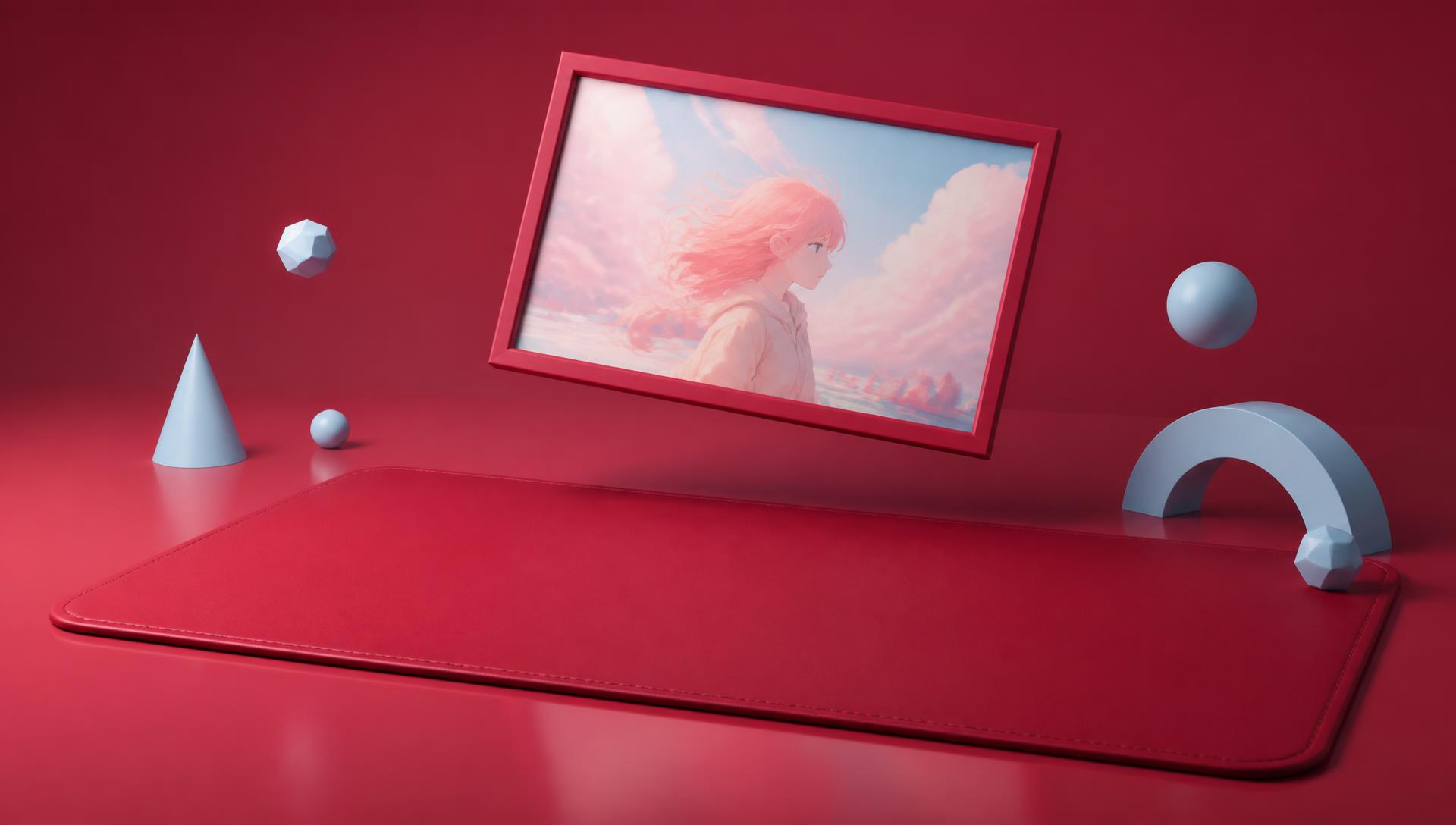
Choosing an anime deskmat comes down to five decisions: matching colors to your existing setup, picking dark vs. light based on wear visibility and glare, balancing busy art against mouse tracking, placing the focal art relative to your monitor, and sizing the mat to your desk. Work through them in that order and you'll land on the right pad without needing to buy twice.
Most people pick a deskmat by falling in love with one piece of art first, then discovering it clashes with everything else on the desk. This guide flips that order so the mat actually fits your setup instead of fighting it.
Matching the mat to your setup's colors
Keycaps, case, and lighting first
Look at your keyboard case, your keycap set, and any case lighting — these are the three things sitting directly on or above the mat every day. Pick a deskmat where at least one dominant color appears in one of those three. You don't need an exact match; a mat with black and one accent color will pair with almost any keyboard that shares that accent.
RGB lighting compatibility
If you run RGB lighting, sync it to a color already present in the mat rather than trying to make the mat match a random RGB cycle. A mat with 2-3 clear dominant colors gives you fixed targets; a busy, rainbow-heavy print gives you nothing consistent to sync to.
Anime deskmat colour palette table
| Your setup's dominant tone | Deskmat palette to look for | Works well with |
|---|---|---|
| Black/white minimal case | High-contrast mono or duo-tone print | Monochrome or single-accent-color art |
| RGB-heavy gaming build | Mat with 2-3 bold matching hues | Cyber/neon-style character art |
| Wood/warm desk | Muted, warm-toned palette | Painterly or autumn-toned scenes |
| White/pastel case | Soft pastel or light-background art | Kawaii or pastel character prints |
| Dark academia / moody | Deep jewel tones, low brightness | Ink-wash or dark-background scenes |
| Mixed/eclectic desk | One neutral base + one accent color | Simpler compositions, not busy scenes |
Dark vs. light deskmat
Visible wear and staining
Light-colored mats show oil, dust, and hand oils faster, especially in the wrist-rest zone where skin contact is constant. Dark mats hide day-to-day grime longer but show light dust and lint more visibly against the dark cloth. Neither is maintenance-free — see our deskmat care guide for cleaning specifics either way.
Glare and lighting
Under bright overhead lighting or webcam/stream lighting, light-colored mats can bounce more glare back toward a camera or your eyes, especially with glossy elements in the print. Dark mats absorb more light and read better on camera, which matters if you stream or do video calls at your desk. If your desk sits under a window or bright ceiling light, lean darker.
Practical takeaway
If your desk gets heavy daily hand contact and infrequent cleaning, choose a darker mat. If you clean regularly and want a bright, airy desk aesthetic, a light mat is fine — just expect to wipe it down more often.
Busy art vs. mouse tracking
Does a busy print actually affect tracking?
For optical and laser sensors used at typical DPI settings, a high-detail print rarely causes tracking errors — sensors read surface texture, not printed color, so most modern mice track fine on detailed art. The exception is very low-DPI, precision-heavy play where extreme, high-contrast pattern changes under the sensor can occasionally introduce minor inconsistency; this is uncommon but worth knowing if you play at very low sensitivity.
Visual noise while working
The bigger issue with busy art is visual fatigue, not tracking. A mat packed with fine detail across the entire surface can feel cluttered during long work sessions, especially if your desk already has a lot going on (multiple monitors, RGB, shelf decor). If your setup is already visually busy, choose a deskmat with a calmer composition — a single character with negative space rather than a full-bleed action scene.
When busy art works well
A detailed, busy print works best on an otherwise minimal desk, where the mat is meant to be the main visual event. It also works well on XXL/XXXL mats where the extra surface area gives dense art room to breathe instead of feeling cramped.
Focal placement relative to your monitor
Most deskmat art has a focal point (a character's face, a logo, a key scene element) positioned somewhere across the width of the print. Line that focal point up with the gap between your keyboard and monitor, or just to the side of your keyboard, rather than directly under where your palm or mouse sits — you want the art visible, not covered most of the day. For dual-monitor desks, a wide mat with a centered or mirrored composition avoids having the focal point hidden entirely under one monitor's stand.
Single monitor vs. dual monitor
On a single-monitor desk, a mat with an off-center focal point (weighted toward the side without the keyboard) usually looks best in photos and in person. On dual-monitor desks, centered or edge-to-edge compositions read better since there's no single "front and center" spot the way there is with one monitor.
Sizing the mat to your desk
Standard vs. XL vs. XXL vs. XXXL
A standard-size pad covers the keyboard and mouse only, leaving the rest of the desk bare. XL and XXL sizes extend to cover most or all of the desk surface, which is where a color-matching palette matters most since it's now the dominant visible surface. Our XL/XXL/XXXL size guide breaks down exact dimensions against common desk sizes.
Measure before you buy
Measure your actual desk depth and width, subtract a couple inches of margin on each side, and compare against the mat's listed dimensions rather than assuming "XXL" means the same thing across every seller. Sizes vary enough between brands that this step avoids a mat that overhangs your desk edge or leaves an awkward bare strip.
Step-by-step selection process
- Note your setup's 2-3 dominant colors from keyboard, case, and lighting.
- Decide dark or light based on how often you clean and how much glare your desk gets.
- Check your desk depth and width and pick a size category (standard through XXXL).
- Decide how busy your desk already is — busy desk, calmer mat; minimal desk, busier mat is fine.
- Pick where the focal art should sit relative to your keyboard and monitor position.
- Shortlist 2-3 designs that satisfy steps 1-5, then pick the one you'd actually want to look at daily.
- If nothing fits, build one from scratch in the studio around your exact palette and character choice instead of compromising on a premade print.
For character-specific inspiration once you know your palette, see our list of top anime characters for a mousepad setup.
FAQ
Should my deskmat match my keyboard exactly?
No — an exact match isn't necessary or always available. Aim for one shared dominant color between the mat and your keyboard/case, which is enough to make the desk read as coordinated.
Is a dark or light deskmat better for gaming?
Neither is inherently better for performance; the choice is about maintenance and glare. Dark mats hide oil and hand grime longer and reduce glare on camera, while light mats show a brighter desk aesthetic but need more frequent cleaning.
Does a busy anime print mess with mouse tracking?
Rarely, for most sensors and DPI settings. The more common downside of busy art is visual clutter on an already busy desk, not an actual tracking failure.
What size deskmat should I get for a dual-monitor setup?
XXL or XXXL is usually the right call so the mat's palette and composition can span the width under both monitors instead of stopping under one, avoiding an obviously cut-off focal point.
How do I know if a deskmat will match my RGB lighting?
Pick a mat with 2-3 clear dominant colors, then sync your RGB to those colors rather than the reverse — it's far easier to adjust software-based lighting than to find a print matching a specific RGB cycle.
Can I get a deskmat custom-made to match my exact setup colors?
Yes — describe your palette, character preference, and desk size in the studio and the design is generated specifically to those inputs rather than picked from a fixed catalog.
If none of the premade options line up with your setup's palette or size, build your own in the studio — pick your colors, your character, and your exact dimensions from XL through XXXL, and get a mat made to match the desk you actually have.
Keep going
Like this? Get the next one in your inbox.
New journal posts, prompt packs, and artist drops. No spam, ever.