
AI Custom Mousepad vs Photo Print: Which Wins?
June 5, 2026
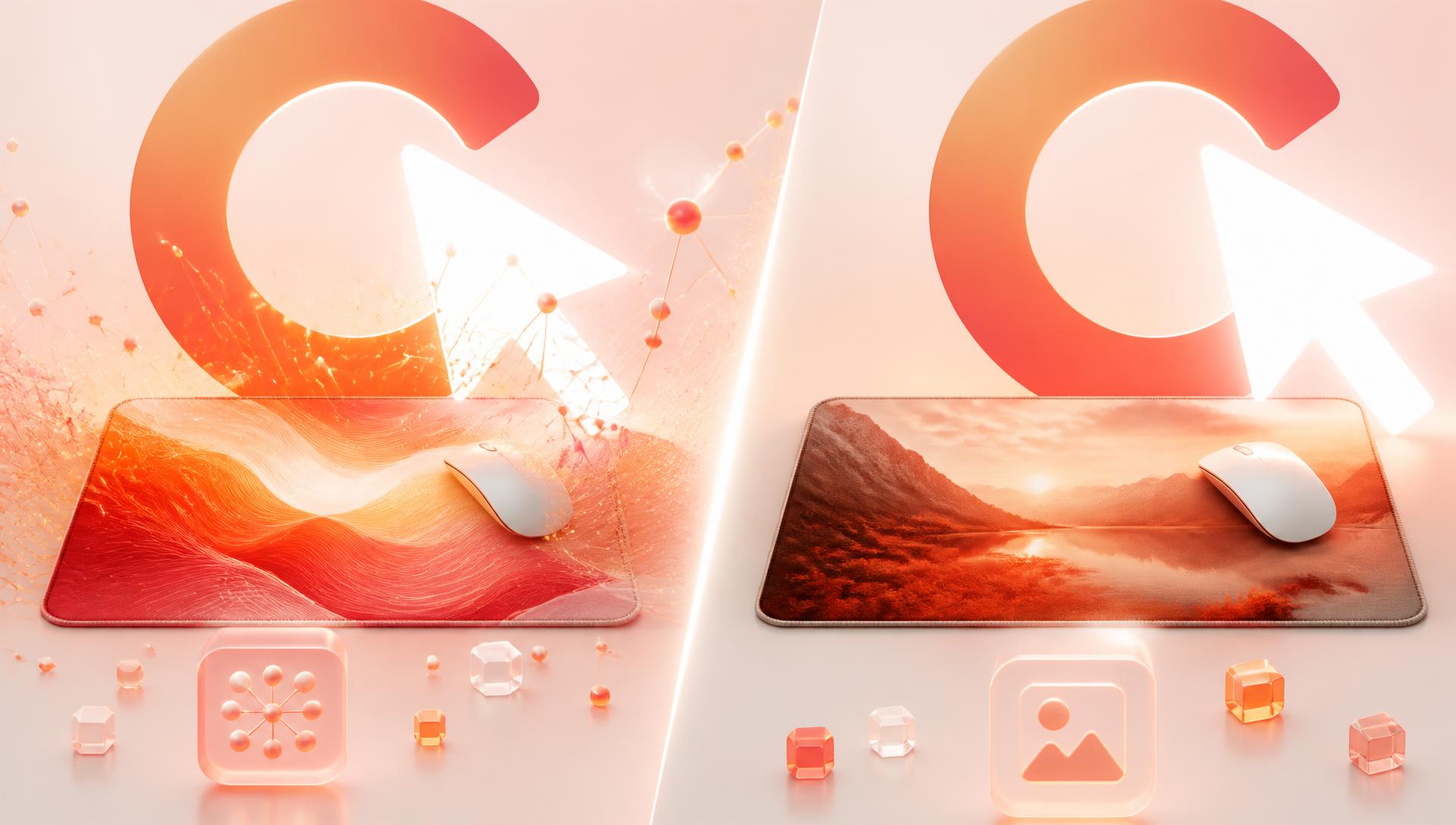
Yes, you can print a photo on a mousepad — but a photograph and an AI-generated design behave very differently once they're stretched across a desk mat and dye-sublimated onto cloth. Photos demand far more raw resolution, are less forgiving of noise and compression, and can struggle with skin tones or dark shadow areas at that scale. Here's how to know which one is the right call for your desk.
Why scale changes everything
A photo mousepad is judged at a completely different distance and size than the photo was ever meant for. A phone photo that looks crisp on a 6-inch screen is being asked to cover 800-1200mm of fabric on an XL or XXXL pad. That's an enormous jump in physical size for the same pixel count, and it's the single biggest reason photo prints disappoint people who haven't planned for it.
Resolution demands are much stricter for photographs
AI-generated art for a pad can be produced directly at the canvas size and resolution the print needs — see AI image quality explained for the actual pixel targets by size. A photo, by contrast, is fixed the moment it's taken. If your phone or camera captured it at a resolution well below what an XXL or XXXL pad needs, there's no way to recover that missing detail afterward — upscaling a photo invents pixels rather than restoring them, exactly as it does with an AI image.
Best resolution for a photo mousepad: aim for a source photo that's at least 150 DPI at your pad's actual physical dimensions. For an XXL at 900x400mm, that's roughly 5300x2360 pixels — well beyond what most casual phone shots deliver once you check the actual capture resolution rather than the "megapixels" marketing number, especially if the photo has been cropped, screenshotted, or downloaded from social media at reduced size.
Where photographs struggle on fabric
Skin tones
Sublimation printing on polyester reproduces warm mid-tones and skin very well when the source image is clean, but any colour cast in the original photo — a slight green tinge from indoor lighting, an orange cast from tungsten bulbs — gets carried straight through and becomes obvious at desk-mat scale in a way it never was on a phone screen.
Dark areas and shadow detail
Large dark regions in a photograph — night shots, backlit subjects, underexposed shadows — tend to lose subtle tonal separation once printed. What looked like gentle gradation on a bright screen can compress into flatter blocks of near-black on fabric, especially if the original file was already low-contrast or noisy in those shadow areas.
Sensor noise and compression artifacts
Every photo carries some sensor noise, and every time a photo is re-saved, texted, or downloaded from a social platform, JPEG compression adds blocky artifacts around edges. These are usually invisible at normal viewing size. Stretched to fill a desk mat, both noise and compression blocking become visible texture — small speckling or blockiness across skin, sky or any large soft-toned area. Always print from the original, highest-quality file you have, not from a screenshot or a re-downloaded copy.
When a photo is the right choice
Photos make sense when the entire point of the pad is a specific, irreplaceable real-world moment:
- Pets — a genuinely great photo of your dog or cat, taken in good light with reasonable resolution
- Family photos — a favourite portrait or group shot you want on your desk every day
- Travel shots — a landscape or cityscape you captured yourself and want to relive
In these cases no amount of AI generation can substitute for the actual moment — the point is the photo itself, not a stylised interpretation of it. If your source photo is well-lit, reasonably high resolution, and not overly noisy or dark, it can print very well as a straight photo deskmat.
When AI-generated art wins
AI art wins whenever the goal is style over documentation — anime and gaming aesthetics, a specific colour palette that ties into your setup, an entirely imagined scene, or any subject where you don't have a suitable real photograph at all. It also wins on the resolution problem outright: it's generated directly at the size and pixel density the print needs, rather than being stretched from whatever a camera happened to capture. If you're leaning toward AI but working from a photo you like, you can also upload it as a style or composition reference rather than printing it directly — see AI reference images explained for how that works.
Comparison table
| Factor | Photograph | AI-generated art |
|---|---|---|
| Resolution source | Fixed at capture — cannot be recovered later | Generated directly at the print's target size |
| Best use case | Pets, family, travel — irreplaceable real moments | Anime/gaming style, imagined scenes, custom palettes |
| Skin tone accuracy | Inherits any colour cast from the original shot | No colour cast to inherit; palette is chosen deliberately |
| Dark area detail | Can compress into flatter blacks if source is noisy/underexposed | Can be composed to avoid large noisy dark fields |
| Compression sensitivity | High — screenshots and re-saves degrade visibly at scale | Lower — work from the highest-quality generated file throughout |
| Editing after the fact | Limited — cropping and colour correction only | Iterative refinement, one change at a time |
| Rights to use | Yours if you took it or have permission | Yours on the generated result, subject to the source material you referenced |
For a deeper look at how dye-sublimation actually behaves on the cloth top regardless of whether the source is a photo or AI art, read sublimation print quality explained.
Rights to the photo you upload
Only upload a photo you actually have the right to print. That means photos you took yourself, photos of your own pets and family, or images you have clear permission or a licence to use. It is not legal advice to say this plainly: printing someone else's copyrighted photography, a stock image without a licence, or an image pulled from social media that isn't yours is a real risk, separate from any quality concern. If in doubt, stick to material you personally captured or clearly own.
Getting the best result either way
Whichever route you take, the same checklist applies before you commit to an order:
- Check your actual source resolution against your chosen pad size, not just the "megapixel" rating of your camera
- Work from the original file, not a screenshot or a re-downloaded compressed copy
- Avoid stretching a low-resolution image to fill a much larger canvas
- Review the design on the mockup at your actual pad size before ordering, so you can see how detail holds up at scale
- Confirm you have the rights to whatever image — photo or reference — you're uploading
FAQ
Can I print a photo on a mousepad?
Yes. Photo deskmats work well when the source photo is high resolution, well-lit and free of heavy compression. The main risk is stretching a low-resolution or heavily compressed photo across a large pad, which reveals noise and softness that weren't visible on a phone screen.
What's the best resolution for a photo mousepad?
Aim for roughly 150 DPI at your pad's physical size — around 5300x2360 pixels for a 900x400mm XXL. Check your actual photo's pixel dimensions rather than assuming a modern phone photo is automatically large enough, especially if it's been cropped or downloaded from a smaller copy.
Why does my photo look softer or noisier once printed than it did on my phone?
Desk mats are physically much larger than a phone screen, so the same pixel count is stretched across far more surface area. Sensor noise and JPEG compression artifacts that are invisible at normal viewing size become visible texture once enlarged to desk-mat scale.
Is AI art or a photograph better for a mousepad?
It depends on your goal. A photograph is right when the point is a specific real moment — a pet, a family shot, a travel photo. AI-generated art wins when you want a particular style, an imagined scene, or a custom palette, and it sidesteps the resolution problem by being generated directly at print size.
Can I combine a photo with AI-generated art on the same pad?
You can use your photo as a style or composition reference for an AI generation rather than printing it directly — this keeps the palette or mood of the original while avoiding the resolution and noise limitations of the raw photo file.
Do dark photos print poorly on a mousepad?
Photos with large noisy or underexposed dark areas can lose subtle shadow detail once printed, compressing into flatter near-black regions. Well-exposed photos with clean shadow detail print much more faithfully.
Do I need permission to print a photo I didn't take myself?
Yes — only upload photos you took yourself or have clear rights or permission to use. This isn't legal advice, just a practical rule: avoid printing someone else's copyrighted photography or unlicensed stock images.
Whether you're bringing a favourite photo or starting from nothing, the studio is where you find out which approach actually works for your desk — upload a reference, describe a style, or bring your own shot, and check pricing once you've landed on a design you're happy with.
Keep going
Like this? Get the next one in your inbox.
New journal posts, prompt packs, and artist drops. No spam, ever.